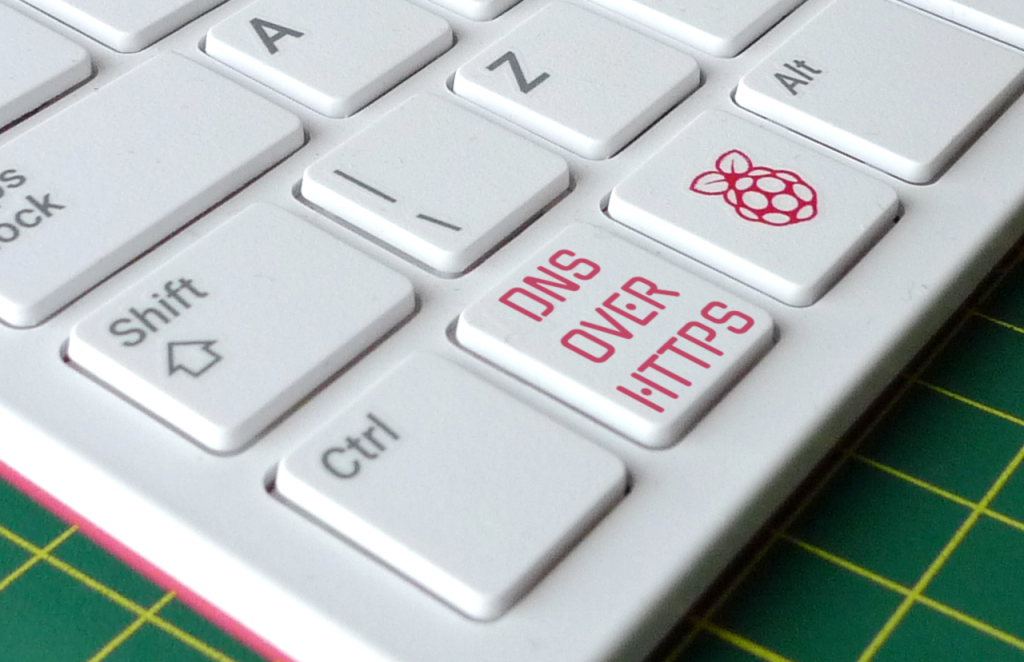
Last year, at the recommendation of a work colleague, I grabbed one of my spare Raspberry Pi 4s and installed the DNS proxy and content blocker Pi-Hole. It’s now handling all the DNS queries on my home network. Recently, I upgraded my Pi-Hole server to make its DNS requests over HTTPS.
Continue readingAuthor Archives: smittytone
PreviewCode 1.2.0 released to support user-requested programming data file types
PreviewCode, my macOS Finder source code and data file preview app, has had a major update to support a bunch of developer-oriented file types requested by users. The new version, 1.2.0, is available now from the macOS App Store.
Continue readingFreeRTOS and the Pi Pico: interrupts, semaphores and notifications
One of the reasons why an embedded application developer might choose to build their code on top of a real-time operating system like FreeRTOS is to emphasise the event-driven nature of the application. For “events” read data coming in on a serial link or from an I²C peripheral, or a signal to a GPIO from a sensor that a certain threshold has been exceeded. These events are typically announced by interrupting whatever job the host microcontroller is engaged upon, so interrupts are what I’ve chosen to examine next in my exploration of FreeRTOS on the Raspberry Pi RP2040 chip.
Continue readingFreeRTOS and the Pi Pico: sizing up scheduling
FreeRTOS scheduling is hard in as much at can be difficult to decide how to configure it. I wanted to try and figure out the options.
The popular real-time operating system provides the configUSE_TIME_SLICING and configUSE_PREEMPTION as settings values. You can add them to your FreeRTOSConfig.h file Tasks themselves can be assigned priority values, and there are API calls to allows tasks to sleep, to yield up the CPU, and be suspended and subsequently resumed.
How to use FreeRTOS with the Raspberry Pi Pico
While documenting Twilio’s in-development Microvisor IoT platform, I’ve been working with FreeRTOS, the Amazon-owned open source real-time operating system for embedded systems. Does FreeRTOS work with the Raspberry Pi Pico’s RP2040 chip? I wondered. It turns out that it can, and this is how you set up a very basic FreeRTOS project which also serves as a demo.

Pico USB serial communications with CircuitPython
My Raspberry Pi Pico-based Motorola 6809 emulator uses the RP2040’s built-in serial-over-USB functionality to receive machine code sent from a host computer. The 6809 and its support code is written in C, but can you make use of the same process under Python? Yes, you can, and here’s an easy way to do it.
Continue readingBuild a Raspberry Pi Pico WiFi IoT Device
Last Summer, I explored using the Raspberry Pi Pico as the basis of a cellular IoT device. That done, I wanted to try out WiFi connectivity. To do so, I ordered a Pimoroni PicoWireless.
Continue readingRecreating the Motorola 6809 in a Raspberry Pi Pico
This is a little project I’ve been working off and on now for some time. It’s one of those efforts where you do a heap of work and then leave it alone for months on end while you go off and do something else entirely. Eventually you come back and do a little more, and then something else distracts you. But you know you’ll complete it in the end, and the journey is as much fun as reaching the destination.
Continue readingRaspberry Pi Pico development on the iPad Pro: almost, but not quite there
I recently upgraded my ageing iPad to a new iPad Pro 11. This has a USB C port, and I immediately wondered if I could use this to connect a USB C equipped Raspberry Pi RP2040-based device like the Adafruit Feather RP2040, and do development on the iPad rather than a Mac. The answer is a cautious ‘yes’, provided you can work to a very specific limitation: your RP2040-side application environment has to be CircuitPython.
Continue readingProgram games on the Pimoroni PicoSystem
A wee while back I ordered a Pimoroni PicoSystem to try out. It’s a small handheld games console based on the Raspberry Pi RP2040 microcontroller, and it sports both classic joypad controls and a 240 x 240 16-bit colour display. I gave my first impressions in an earlier post. Here’s what I think after spending some time porting my Raspberry Pi Pico version of the 1980s 3D shooter Phantom Slayer to the unit.
Continue reading