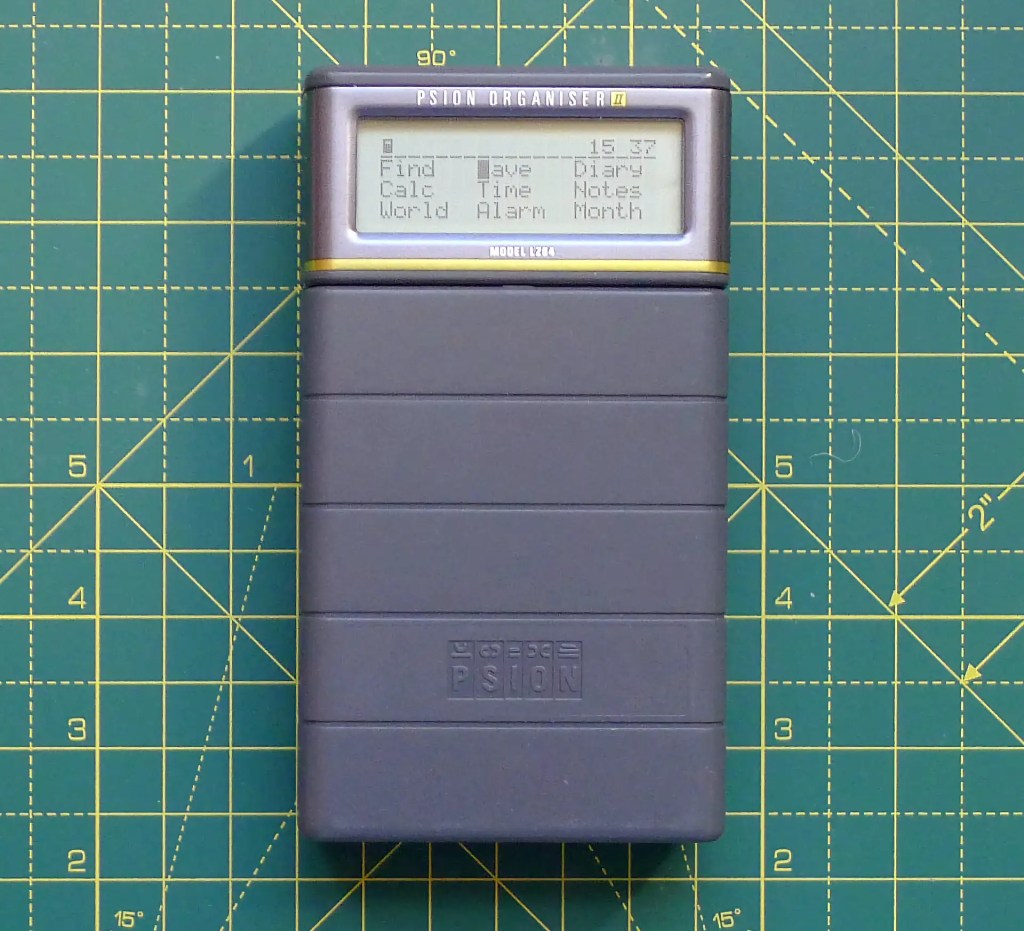
A month or so back I gave in to temptation and snapped up a Psion Organiser II from eBay. I was able to find the LZ64 model, which was the last ‘slab’ Organiser Psion made before introducing the Series 3 clamshell design.

A month or so back I gave in to temptation and snapped up a Psion Organiser II from eBay. I was able to find the LZ64 model, which was the last ‘slab’ Organiser Psion made before introducing the Series 3 clamshell design.

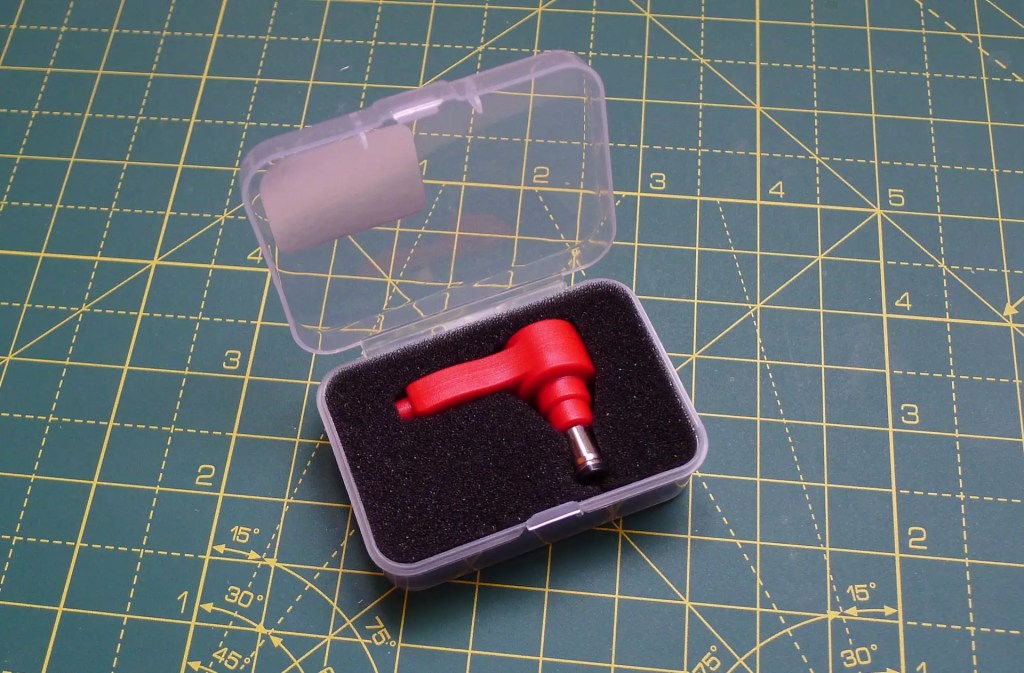
One of the difficulties of using retro tech these days is power. Back in the (pre-USB) day, every device had its own, specific power requirements: voltage, wattage and polarity of barrel connector. And big, chunky ‘wall warts’ to go with them. I’m using three old portable devices at the moment, and they all have different AC adaptors.

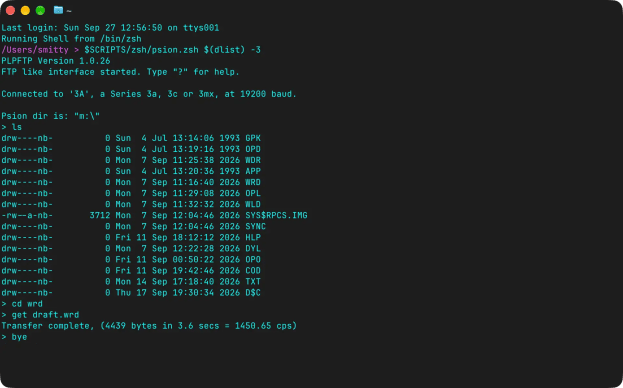
What is the best way to transfer information to and from a Psion Series 3 PDA these days? Of late I have shifted from DOSBox Staging to plptools. ‘PLP’, incidentally, stands for ‘Psion Link Protocol’.

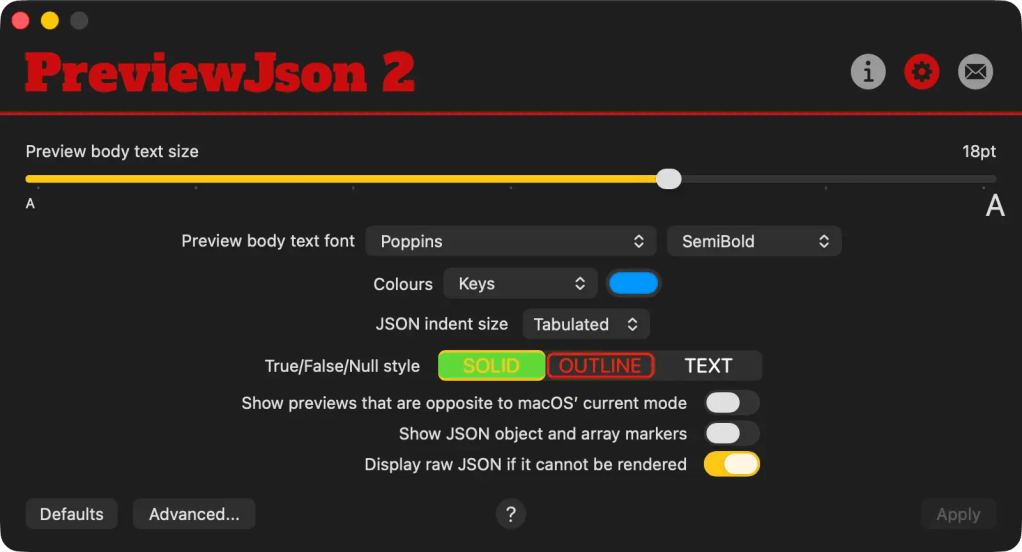
I’d like to announce the availability of PreviewJson 2, the new, second generation release of my QuickLook preview and icon thumbnail generator for macOS. It’s available now from the Mac App Store.

This version is noteworthy in two respects. First, it’s a major update for an app I launched back in 2019. Second, it contains my first experiment with vibe coding — AI programming assistance, for those not au fait with the argot.
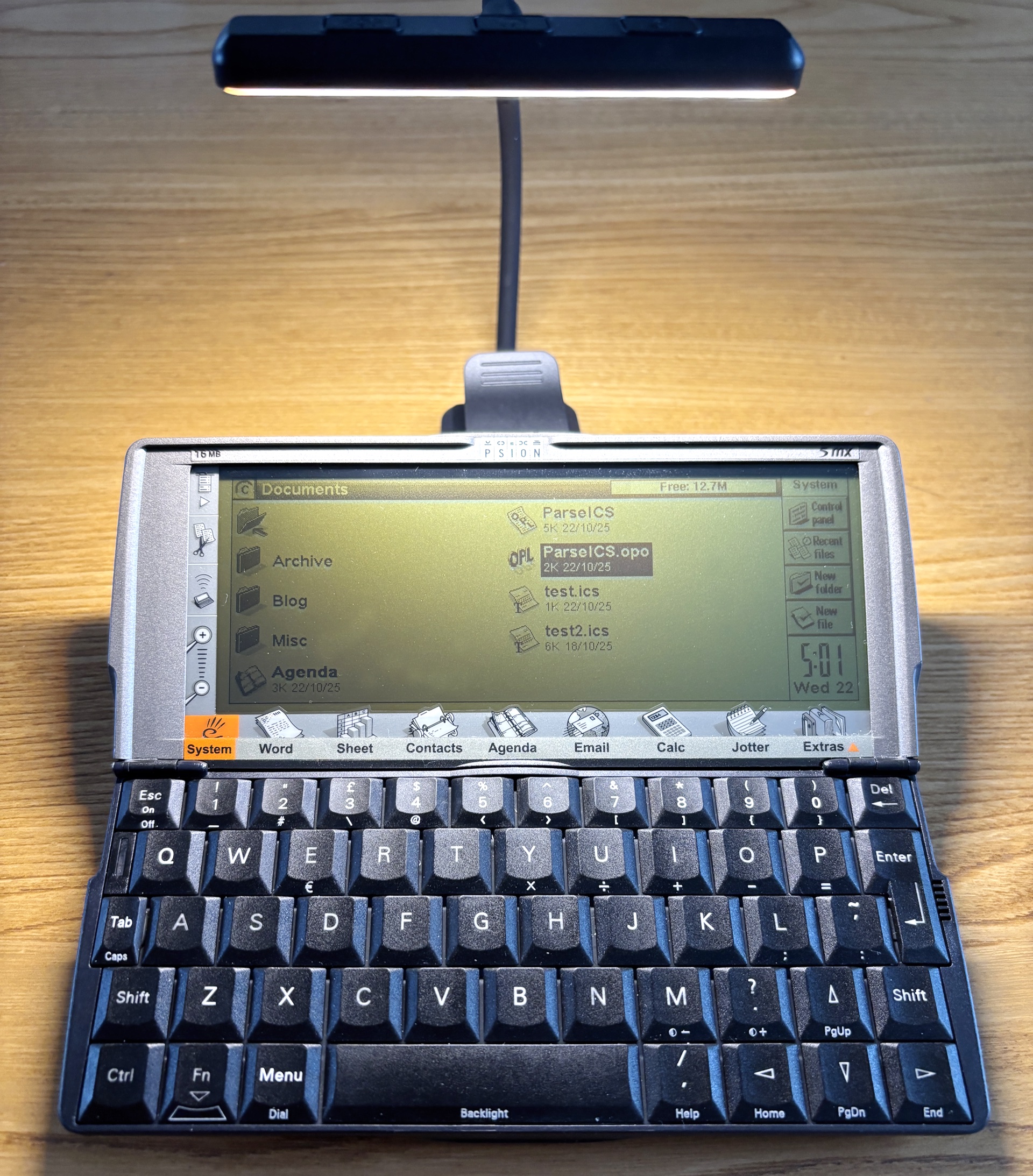
Continue readingI have written before about the Psion 5mx, a palmtop computer from the late 1990s, and I have grumbled about its LCD screen. I don’t have a problem with LCD per se — you can’t expect the same screen quality that you get with a modern colour OLED retina display — but in the right light conditions an LCD can be perfectly usable. However, the 5mx screen’s specific level of reflectivity narrows the range of lighting conditions under which it gives you a good, clear view.

What’s odd about this is that the 5mx’s predecessor but one, the 3a, has a really good LCD screen which provides a clear view over a wider range of lighting conditions.
Continue readingThis short post is in praise of analogue technology, specifically my Mitutoyo vernier callipers, which I picked up a couple of years ago for no good reason beyond fond memories of time spent in Physics labs during my undergraduate days.

Even so it has had, and continues to get, a fair bit of use.
Best of all, it requires no power source and needs no consumables. Indeed it expects nothing extra beyond its own good self. Of stainless steel construction, it will last me out and will never cost me a penny more to operate than I paid for it.
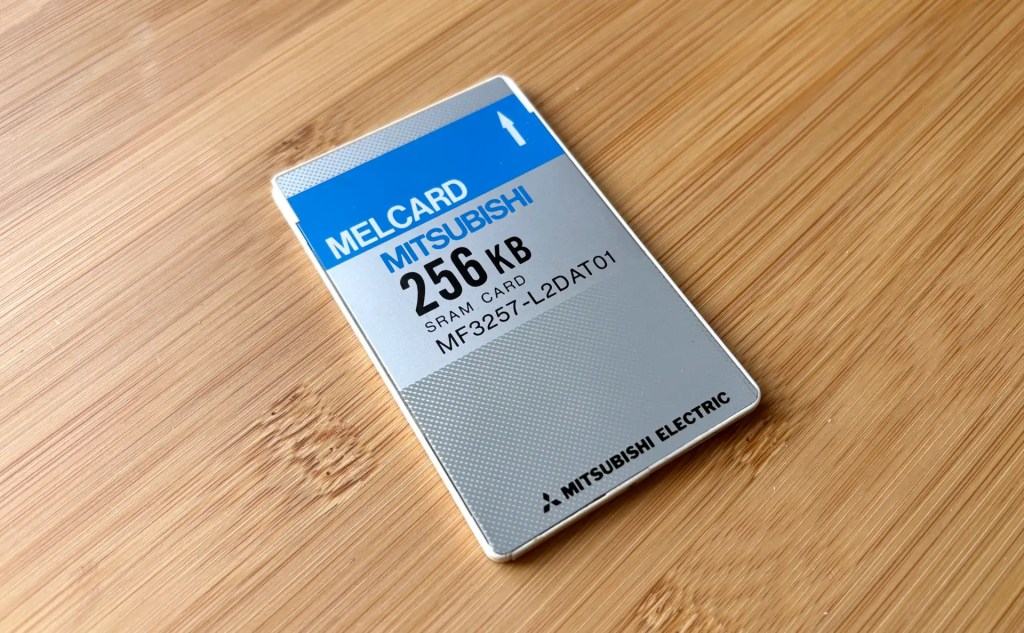
Continue readingI was resisting buying a memory card for my Amstrad NC100, but in the end I caved in. It was mostly because I have memory cards for my two Psion devices — a proprietary flash drive for the Series 3a and a CompactFlash card for the Series 5mx — because it’s reassuring to know that you can quickly make safe copies of working docs on a device without storage.

This I couldn’t do on the NC100 because it’s rather more limited in the type of cards it supports. Basically, you’re talking 64KB to 1MB SRAM cards in the PCMCIA/PC Card form-factor only.
Continue readingHere’s a handy trick for any of you who, like me, have not only taken to retro computing in general but the Amstrad NC100 notepad in particular.
I was frequently being told that the machine’s back-up CR2032 coin cell was running low. This despite it being installed fresh out of the packet, and not long enough ago for me to expect such warnings.
Continue readingWhile browsing some scans of old, out-of-print books about the Amstrad NC100, I discovered that it has a built-in screenshot facility. I knew my various Psion devices could do this, but not the NC100.

The trick — press Control–Shift–S — was mentioned in Robin Nixon’s The Amstrad Advanced User Guide, published in 1993 by Sigma Press. The book contained BBC Basic and C utilities for converting the raw bitmap data generated by the keypress.
I immediately keyed in the C code to try it out. It did the job.
Typing in a listing! What an old-school feeling!
Continue readingPreviewCode provides at-a-glance highlighted source code previews of more than 60 programming and scripting languages, and development configuration file formats. It makes use of macOS’ QuickLook mechanism: select a file and hit the spacebar to get an immediate preview of the file’s contents. It’s a handy way to view a file without opening it in an application.

PreviewCode also generates Finder thumbnail icons for all of those file types if you prefer something other than generic icons.
Continue reading