
Download the utility and read the release notes for this handy macOS image-to-pdf converter here.
Author Archives: smittytone

How to take control of macOS Finder window sizes
I don’t know if this is a glitch in my system — I see it in a couple of machines, though both have the same config — but under macOS Catalina, Finder has an annoying habit of ignoring the size of windows. Pop up a new Finder window and it’s just a small quarter-of-screen panel at the top left of the desktop, not the much larger panel that the most recently closed window was.
Continue readingMNU 1.2.2 released
Download and release notes for this handy macOS menu bar utility here.
Spruce up the Nano text editor with syntax colouring and more
I use the Nano text editor for command line work. The version installed by Apple (2.0.6) is well behind the curve; use Brew to supersede it with the latest version (5.x at the time of editing).

Give macOS’ Terminal a better ‘ls’
Anyone who uses Terminal will run the ls command to get a listing of files and directories. It’s built in to macOS’ BSD Unix foundation layer. It has one key limitation for me: it has no option to list directories before listing files. Read on to learn how to deal with this issue.

How to quickly package macOS apps for distribution outside the App Store
Preparing a macOS app for distribution through the App Store is fairly easy using Xcode, but to do so for apps that you plan to distribute as a binary by other means — as a download from your own website, for example — isn’t straightforward, and it has got more complicated over recent macOS releases.

Using the Z shell on the Mac and Pi
When Apple released MacOS Catalina, it decided to switch the default command line shell from the Bourne Again Shell, aka bash, to the Z Shell, aka zsh. One reason for this was that Apple installs a rather old version of bash, 3.3.57, to allow it to include the software under a licence it’s happy with. This isn’t a problem that affects zsh, so Apple can bundle a much more recent release.
That was no problem for me, either, because I long ago used Homebrew to install an up-to-date version of bash, 5.0.17, and have been happily using in preference to the Apple one. To do so yourself, run brew install bash and then go to System Preferences > Users & Groups. Unlock if you need to then right-click on your name in the left-hand column and select Advanced Options…. Now highlight the Login shell: field and set the path to your preferred shell, in this case /usr/local/bin/bash. Afterwards, you can enter echo $SHELL to confirm the change.
How to remove a Pi’s login message
I access my Pi remotely using SSH. While trying out the zsh shell as an alternative to bash, I wondered if I could get rid of all the bumf that’s displayed as soon as I’ve logged in. I want to see the command line prompt and not much else. A little research led me to the following.
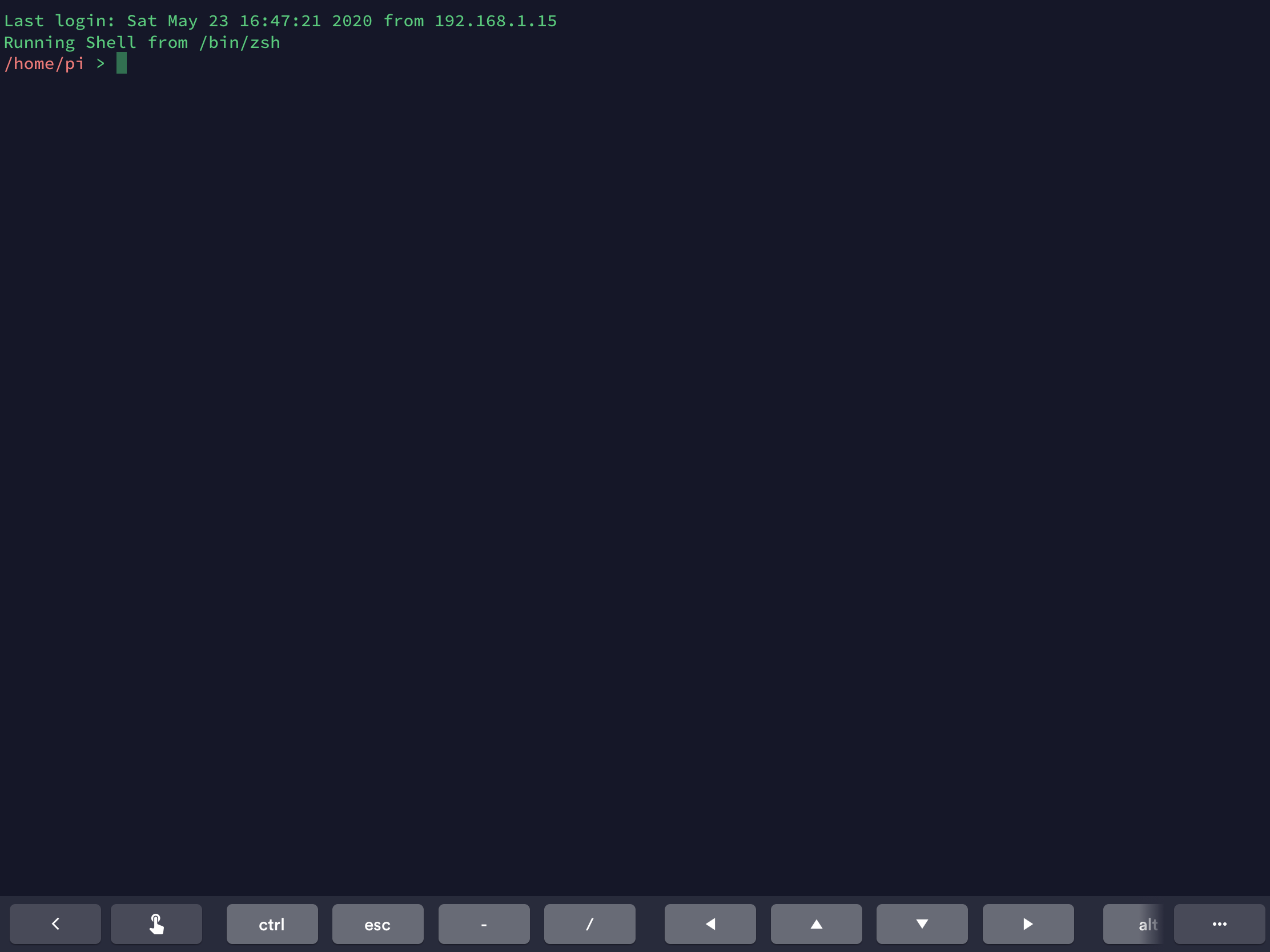
.zshrc fileWant 50 great fonts for your iPad? Get my new free app
iPadOS 13 (iOS 13 with knobs, basically) introduced user-installable fonts — or typefaces as we used to call them in the trade, especially in pre-digital times. Apple already bundles a host of fonts with iPadOS, but the addition of user-installable fonts ought to allow much greater scope for tablet-based typographical creativity.

Easy Ethernet access for a headless Raspberry Pi
This neat trick is implemented on the Raspberry Pi-based Twilio Developer Kit for Broadband IoT, with which I’ve been working a lot of late (as a Twilio staffer). It lets you connect a headless Pi to your main machine via Ethernet just be plugging in a cable. It also maintains the Pi’s own wireless connection to the Internet.
Continue reading
