What is the best way to transfer information to and from a Psion Series 3 PDA these days? Of late I have shifted from DOSBox Staging to plptools. ‘PLP’, incidentally, stands for ‘Psion Link Protocol’.
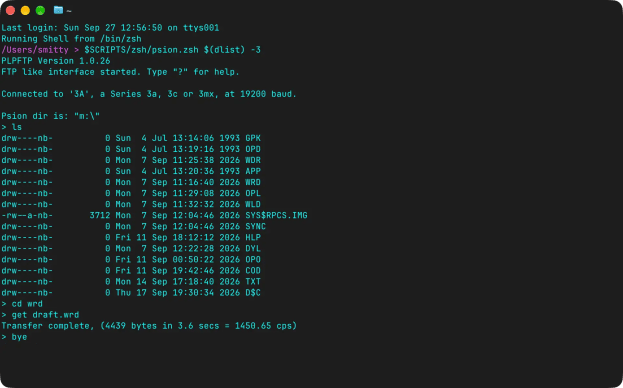

What is the best way to transfer information to and from a Psion Series 3 PDA these days? Of late I have shifted from DOSBox Staging to plptools. ‘PLP’, incidentally, stands for ‘Psion Link Protocol’.
Last year, I performed some jiggery-pokery on my headless Raspberry Pi-based HomeLab to allow my veteran Psion 3a palmtop to be used as a serial terminal for those times when SSH-ing in was not an option. The age of the 3a meant it was a sub-optimal experience, but it was usable. I recently acquired a Psion 5mx, released half a decade after the 3, and put it to the same task.

The experience is much better, but I needed to tweak the PI-side settings to get results.
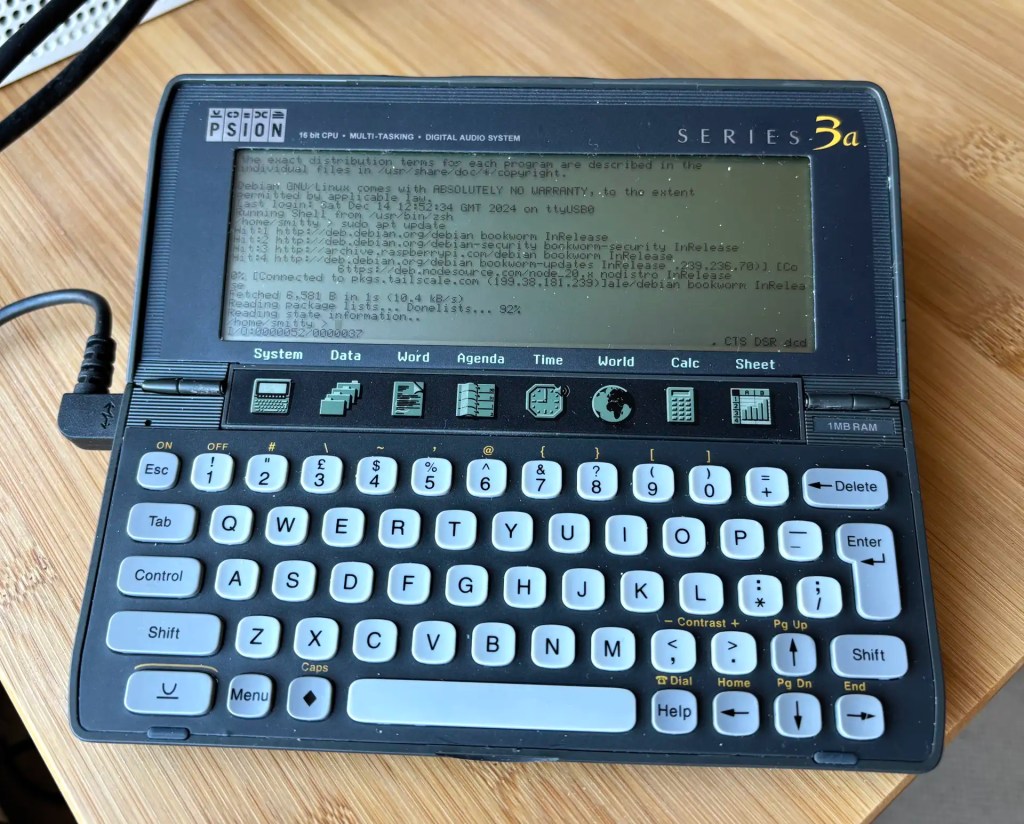
Continue readingRecap I have acquired a UK-made Psion Series 3a palmtop. I’ve connected it to my Mac. My next goal is to connect the 3a to the Internet for email. But first… yes, I got distracted: having connected the 3a to a Mac, what about a Raspberry Pi? Could I do more with it than transfer files?
Darn right, I can. I can use it to control my headless server.
I connect to my Mac many USB devices that communicate over a serial (UART) bus to send debug information to the host or to receive data and code. You know, Raspberry Pi Picos, Adafruit Feathers, FTDI cables — that kind of thing. Often I have more than one connected. Is there an easy way to see what’s connected without listing /dev every time and to remember connected devices’ paths?
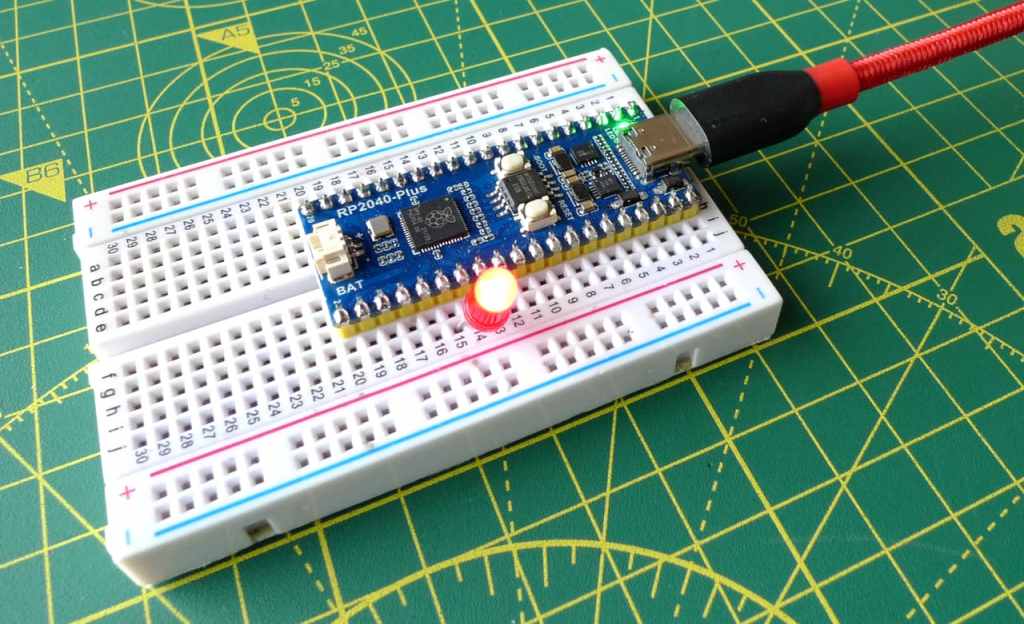
I’m enjoying tinkering with the Raspberry Pi. Alas most of the tutorials and guides available online, of which there are many, focus on hooking the tiny board computer to Windows or Linux machines. Mac-centric guidance is sparse, and I could have used some this week.


