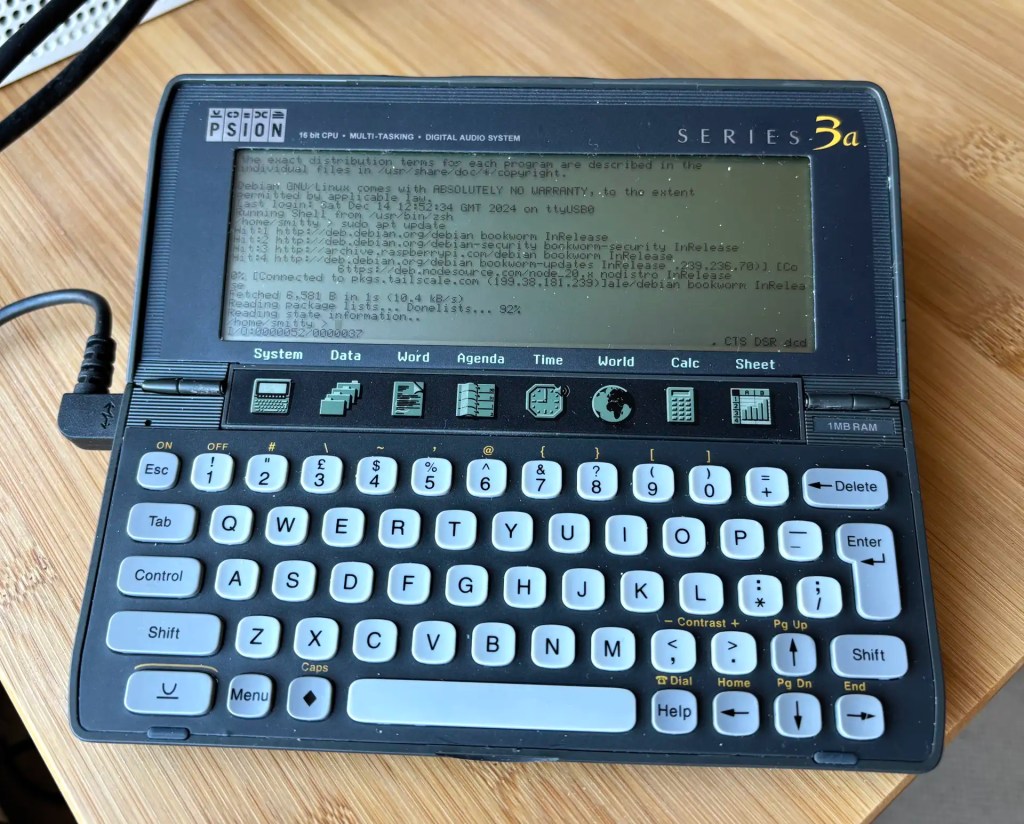
Recent work connecting old mobile devices — the Psion Series 3a and the Amstrad NC100 — to my Mac caused me to run into an issue with the script I use to determine the Unix device path of the USB-to-serial adaptor I use to talk to these gadgets. Long story short: I ended up converting a Z Shell function into a Swift CLI tool — and adding Linux support into the bargain.
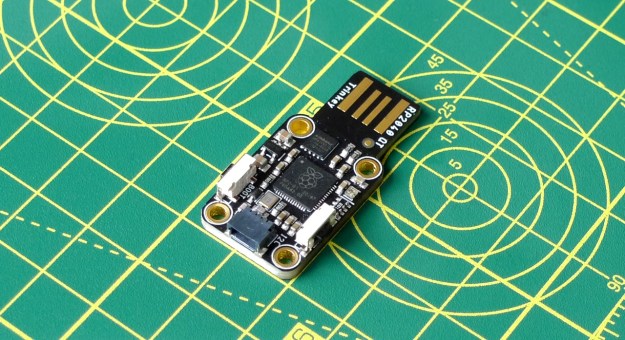
Adafruit’s RP2040 board connects to the host via an integrated USB-to-serial adaptor
In the early 1990s, I got to play with a new Amstrad device: the NC100 “notepad computer”. At the time, Amstrad was the name in British computer manufacturing. Notably it had shifted more than a million of its PCW series of word processors and while at this point it was pushing its line of IBM-compatible PCs, it hadn’t forgotten the success it had had with word processing kit.
Amstrad’s NC100: portable productivity
Enter the NC100, a mobile machine sporting a full size keyboard and a 480×60-pixel LCD used to render 80×8 characters. Pitched as a personal productivity tool, it shipped with on-board diary, calculator, address book, world time and spreadsheet applications as well as word processing software. Heck, it even included BBC Basic, in case you wanted to write your own programs on your daily commute.
I never had any great expectations for getting the 3a online. To summarise the problem: the 3a shipped without integrated Internet support. And while it later received it, via the PsiMail email package, Internet access was predicated on a dial-up connection using a modem and an analogue phone line. It is possible to bridge this ancient approach to the modern world of always on broadband and WiFi, but yes, it’s a bit of PIA. Anyway, this is what you do.
Recap I have acquired a UK-made Psion Series 3a palmtop. I’ve connected it to my Mac. My next goal is to connect the 3a to the Internet for email. But first… yes, I got distracted: having connected the 3a to a Mac, what about a Raspberry Pi? Could I do more with it than transfer files?
Darn right, I can. I can use it to control my headless server.
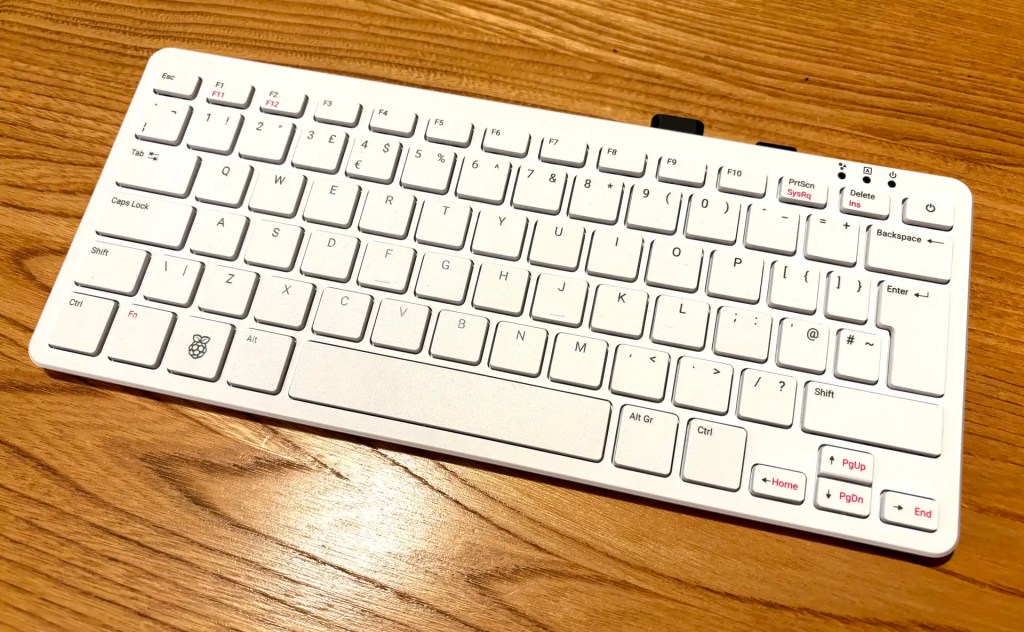
OK, I had to buy mine first, so I’m only getting to play with the new Raspberry Pi 500 desktop after numerous folk have gone to town over its lack of interior SSD connectivity. My Pi 5 has an SSD, but it’s a server. My desktop Pi was until now a Pi 400 (it saves a lot of desktop space). I use a 64GB Samsung Fit USB 3.1 for storage and it suits me very well. Using literally the same drive — literally move it from one machine to the other — the 500 is a clear improvement on its predecessor.
The Pi 500 on my kitchen table: looks like a 400, goes a LOT faster
I chose Swedish company KKSB’s tall case for my Raspberry Pi 5-based homelab for two reasons. First, I wanted something large enough to hold the Pi itself and the Raspberry Pi M.2 Hat+ and SSD. Second, I wanted something the look like a server — albeit a small one. I’m glad I picked this one.
KKSB Raspberry Pi 5 Case – Space for HATs, Add-on Boards, Cooler, and NVMe HATs
I managed to grab one of the first batch of these early — paid for with good money; not a ‘select few’ freebie — rather than the more obvious Raspberry Pi Pico 2. I’m pleased to say my choice was justified. This is a very good developer-centric RP2350-based board.
A one-time colleague of mine recently put me onto Tailscale, a rather nifty product that allows you to wrangle all of your computers, phones and more into a single, secure and Internet-spanning virtual private network (VPN). I decided to give it a try and I’m very impressed with its performance and ease-of-use — the latter very important for someone like me who’s not a network guru.
The Raspberry Pi company released version 1.5.0 of the Pico SDK a week ago — right after I issued the latest version of my desktop computer-oriented I²C adaptor, which is based on the Pico’s RP2040 chip. If I’d have known about the SDK update, I would have held back — SDK 1.5.0 solves an irritating problem I’d faced with unexplained adaptor firmware hangs.





 smittytone messes with micros