Category Archives: Raspberry Pi

udev, I dev: unique identifiers and aliases for USB serial ports on Linux and macOS

An interesting comment on my previous post suggests using udev rules to give connected USB-to-serial adaptors their own, unique names. It works by setting udev rules to apply a symbolic link to specific devices when they are connected.

The approach, outlined in this blog post, works at the command line. This got me thinking: can I do the same in code?

Continue reading
How to find the right Pi Pico board or retro tech connected to your Mac or Raspberry Pi

Recent work connecting old mobile devices — the Psion Series 3a and the Amstrad NC100 — to my Mac caused me to run into an issue with the script I use to determine the Unix device path of the USB-to-serial adaptor I use to talk to these gadgets. Long story short: I ended up converting a Z Shell function into a Swift CLI tool — and adding Linux support into the bargain.

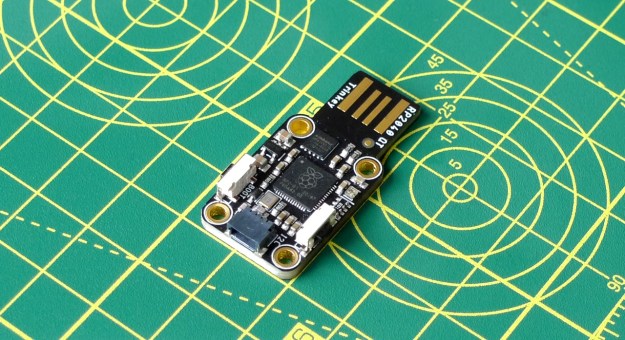
Adafruit’s RP2040 board connects to the host via an integrated USB-to-serial adaptor (Image © 2021, Tony Smith)
Adafruit’s RP2040 board connects to the host via an integrated USB-to-serial adaptor
Continue reading

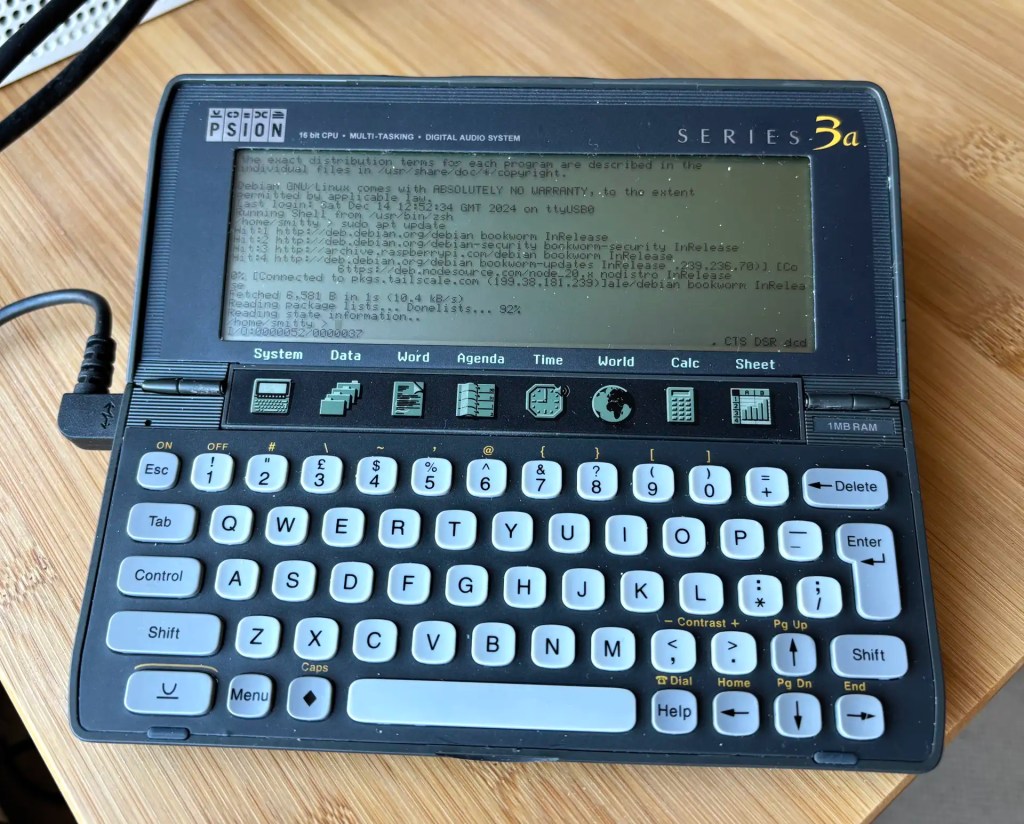
How to access and control a Raspberry Pi with a Psion Series 3a

Recap I have acquired a UK-made Psion Series 3a palmtop. I’ve connected it to my Mac. My next goal is to connect the 3a to the Internet for email. But first… yes, I got distracted: having connected the 3a to a Mac, what about a Raspberry Pi? Could I do more with it than transfer files?

Darn right, I can. I can use it to control my headless server.

Continue reading

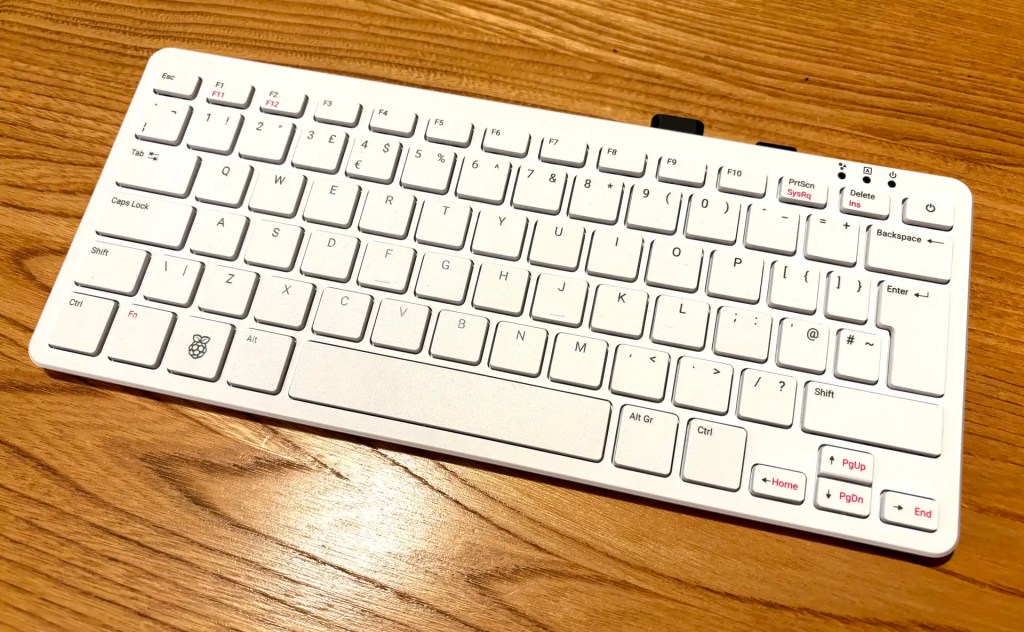
Review: The Raspberry Pi 500 👍

OK, I had to buy mine first, so I’m only getting to play with the new Raspberry Pi 500 desktop after numerous folk have gone to town over its lack of interior SSD connectivity. My Pi 5 has an SSD, but it’s a server. My desktop Pi was until now a Pi 400 (it saves a lot of desktop space). I use a 64GB Samsung Fit USB 3.1 for storage and it suits me very well. Using literally the same drive — literally move it from one machine to the other — the 500 is a clear improvement on its predecessor.

The Pi 500 on my kitchen table: looks like a 400, goes a LOT faster
Continue reading

How to clone your Raspberry Pi card to an SSD… and add a home partition While you’re about it

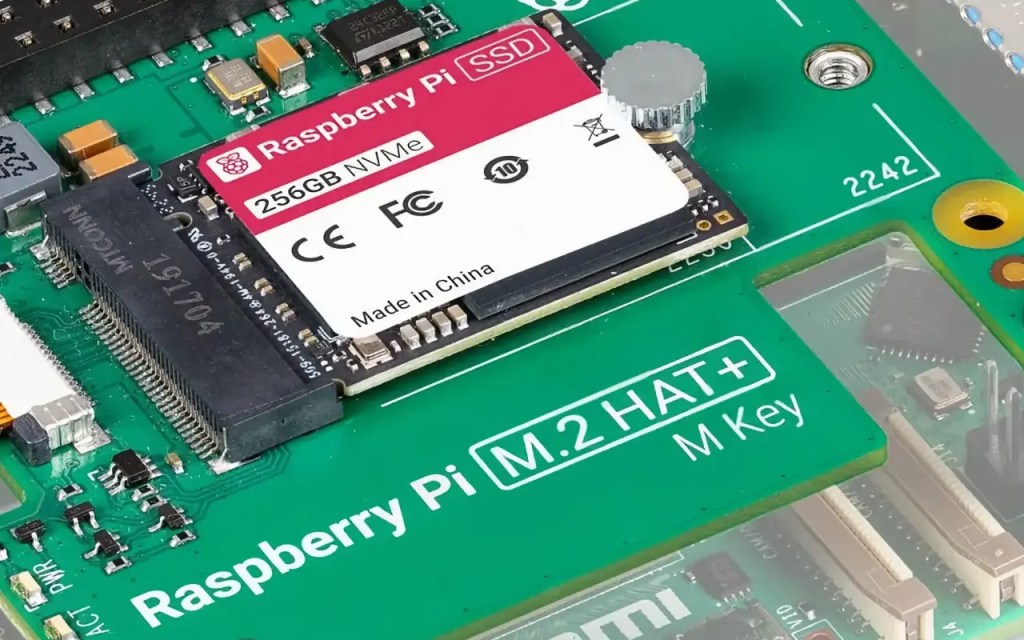
I decided to upgrade my Raspberry Pi 4 homelab server to the Raspberry Pi 5. I took the opportunity to upgrade the storage from a 64GB USB drive to Raspberry PI’s M.2 PCIe Hat and a 256GB SSD. This begged a question: how to replicate the three partitions on the USB drive — boot, root and home — on the SSD, especially with larger partition sizes? Here’s what I did.

Raspberry Pi 256GB SSD
A 256GB SSD. Image © Raspberry Pi Ltd
Continue reading

Review: KKSB SSD-compatible Tall Aluminium Case for Raspberry Pi 5 👍

I chose Swedish company KKSB’s tall case for my Raspberry Pi 5-based homelab for two reasons. First, I wanted something large enough to hold the Pi itself and the Raspberry Pi M.2 Hat+ and SSD. Second, I wanted something the look like a server — albeit a small one. I’m glad I picked this one.

KKSB Raspberry Pi 5 Case - Space for HATs, Add-on Boards, Cooler, and NVMe HATs
KKSB Raspberry Pi 5 Case – Space for HATs, Add-on Boards, Cooler, and NVMe HATs
Continue reading

Review: Pimoroni Pico Plus 2 👍

I managed to grab one of the first batch of these early — paid for with good money; not a ‘select few’ freebie — rather than the more obvious Raspberry Pi Pico 2. I’m pleased to say my choice was justified. This is a very good developer-centric RP2350-based board.

Pimoroni Pico Plus 2
The Pimoroni Pico Plus 2
Continue reading

Thank you! 🙏

I’d like to acknowledge the following readers of this blog — or users of my software — who’ve expressed their appreciation of my work by tipping me via PayPal (see the column to the right).

  • Richard H
  • Matthew S
  • James H T

Thanks very much, folks — your recognition is much appreciated.

Go program the Raspberry Pi Pico… with Go

I have been working with Go professionally, building a cross-platform CLI tool. I’m rather enjoying the language, so I wondered if I could use it to program the Raspberry Pi RP2040 too. A little Googling revealed TinyGo, an implementation of the language for microcontrollers.

Continue reading

Depot gets Arduino Nano RP2040 Connect support

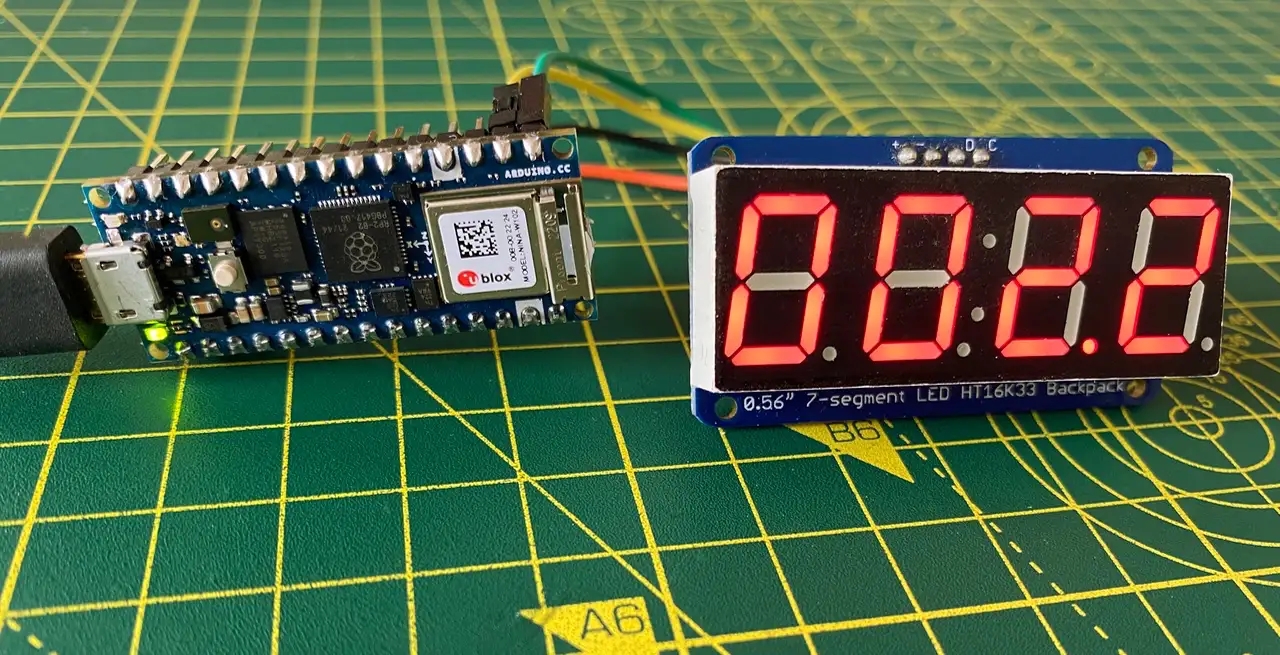
A quick update on my Depot project: an RP2040-based host that provides Mac and Linux machines mediated access to external sensors, displays, actuators and other peripherals: version 1.2.2 extends board support to the Arduino Nano RP2040 Connect, and there’s better board selection too.

Depot running on the Arduino Nano RP2040 Connect
Continue reading