Category Archives: How To (Mac)

Swift Fighting Man: How to duke it out with the Xcode build process and Win!

Today was going to be about so much else, but instead I found myself mêléeing with Apple’s build system.

I have a script I’ve been using very successfully for some years that automates the build process for my CLI apps. It builds a universal binary containing both ARM64 and x86-64 code, wraps it into a macOS installer package and submits the result to Apple’s notarisation service. One command in Terminal and it’s all done, or occasionally you get an error message.

Continue reading
How to find the right Pi Pico board or retro tech connected to your Mac or Raspberry Pi

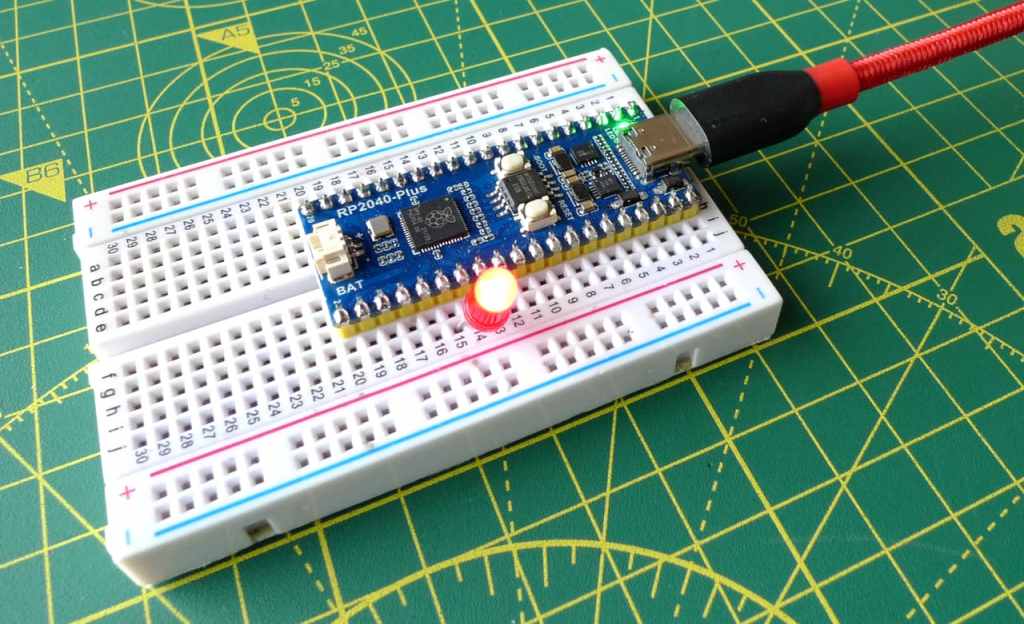
Recent work connecting old mobile devices — the Psion Series 3a and the Amstrad NC100 — to my Mac caused me to run into an issue with the script I use to determine the Unix device path of the USB-to-serial adaptor I use to talk to these gadgets. Long story short: I ended up converting a Z Shell function into a Swift CLI tool — and adding Linux support into the bargain.

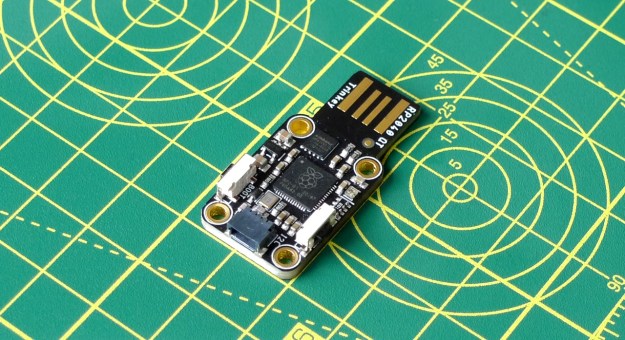
Adafruit’s RP2040 board connects to the host via an integrated USB-to-serial adaptor (Image © 2021, Tony Smith)
Adafruit’s RP2040 board connects to the host via an integrated USB-to-serial adaptor
Continue reading

How to get a 1990s palmtop communicating 2024-style: connect a Psion 3a to the Interweb

Recap I have acquired a UK-made Psion Series 3a palmtop. I’ve connected it to my Mac. I’ve connected it to my headless Pi server over serial. My next goal: connect the 3a to the Internet.

I never had any great expectations for getting the 3a online. To summarise the problem: the 3a shipped without integrated Internet support. And while it later received it, via the PsiMail email package, Internet access was predicated on a dial-up connection using a modem and an analogue phone line. It is possible to bridge this ancient approach to the modern world of always on broadband and WiFi, but yes, it’s a bit of PIA. Anyway, this is what you do.

Continue reading

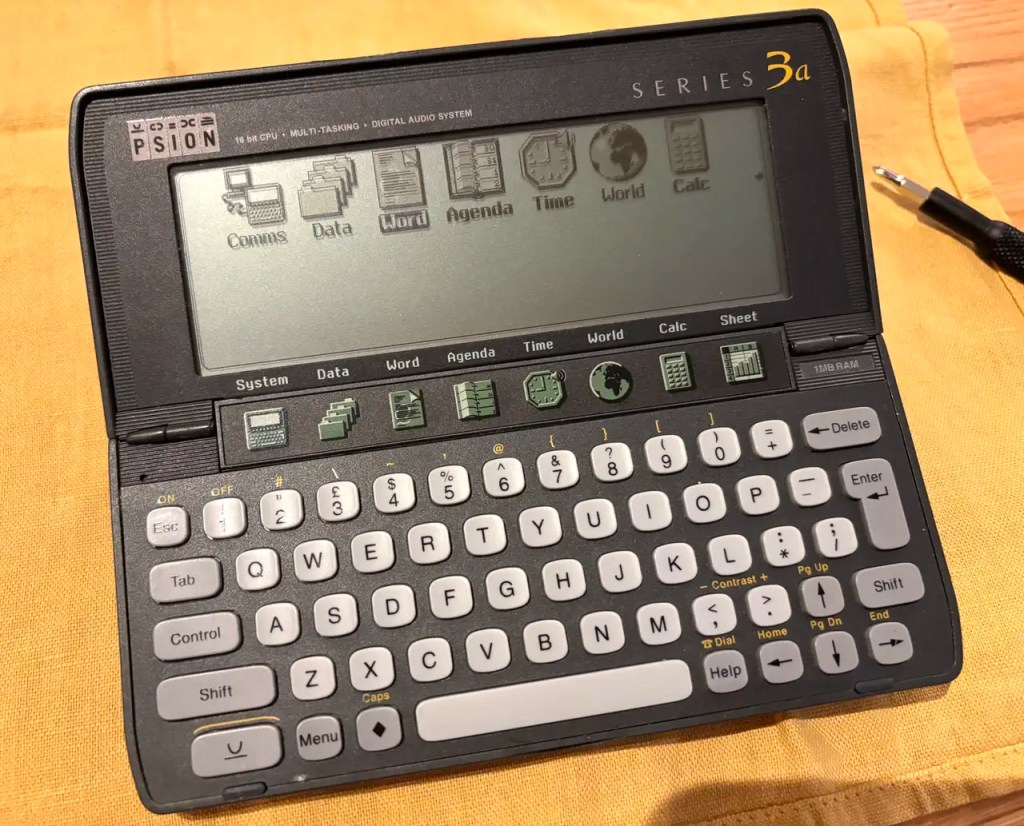
Palmy like it’s 1999: how to revive a Psion Series 3a handheld

I have a soft spot for the technology of my younger days. In the mid-1990s, for example, I was in my late twenties and one of the machines I used for a time — all my MacWorld Boston 1994 coverage was written on one — was the Psion Series 3a. Pitched as a portable personal organiser, it was a palmtop PC running a 16-bit OS, SIBO aka EPOC 16, on an x86 CPU.

Palm computing: the Psion Series 3a

Running, I might add off a couple of AA batteries (with a coin cell to maintain RAM disk contents when the main pair were replaced) that could last for at least a month. No backlight on the monochrome LCD, though, which makes the device’s use in dim lighting tricky. Strong, over-the-shoulder lighting is essential.

Continue reading

How to intercept STDOUT and STDERR output in Swift CLI code

My open source images-to-PDF utility, pdfmaker, makes use of Apple’s PDFKit. While this partnership works as it should, just one aspect bothered me: PDFKit warnings and errors don’t bubble up to the calling code, but are piped via STDERR. The upshot: anyone running pdfmaker may see messages that it hasn’t issued. pdfmaker is a CLI tool, but I can’t just redirect the output to /dev/null — you’d lose everything, not just PDFKit’s grumbles. Instead I had to figure out how to sink PDFKit’s output even though it wasn’t coming via pdfmaker. Here’s how I did the pipework.

Steel pope (c) 2024, Tony Smith. All rights reserved.
Continue reading

How to copy files to a Pico on a Ventura Mac error free

macOS 13.0.0 Ventura introduced an irritating problem for all us Mac-based Raspberry Pi Pico programmers: Finder no longer allows you to copy .uf2 files to a mounted Pico. It’s not a forbidden operation, but it does trigger an error that prevents the copy from taking place. This is undoubtedly the ‘new normal’, so here are some ways to circumvent the error. I’ll save the best one until last.

The macOS Ventura copy-to-Pico-in-Finder error
Continue reading

How to talk to I2C sensors, displays from a Mac

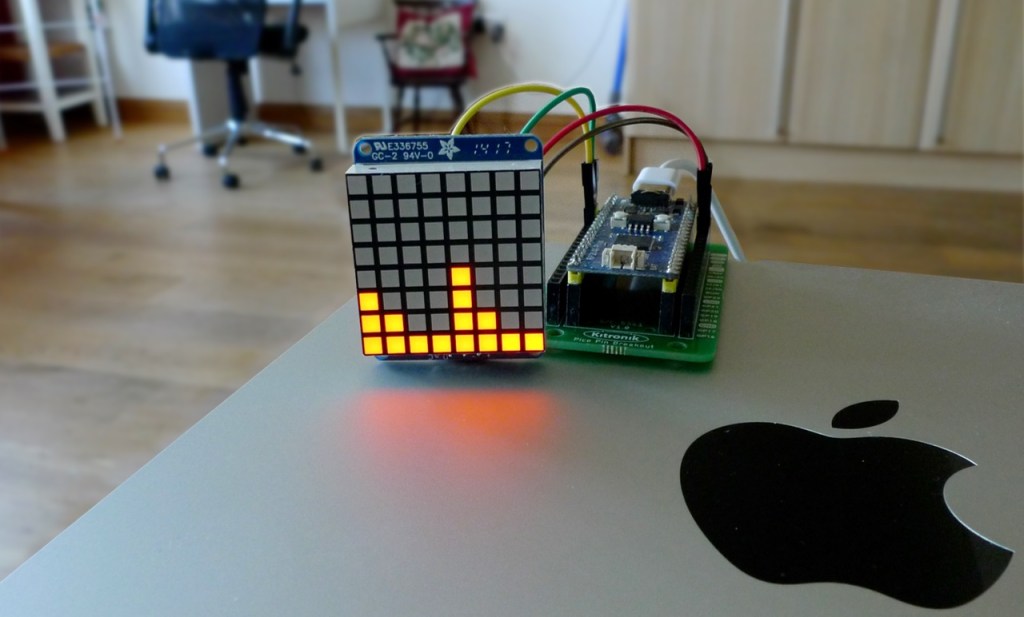
This post was originally going to be about building a tool to access I²C devices on a Mac, reaching them via USB and an Excamera Labs I2CMini adaptor board. But then I accidentally snapped the pins and board traces off my I2CMini, so I had to go back to the drawing board. Now it’s about accessing I²C devices on a Mac using a Raspberry Pi Pico, or any other RP2040-based board, as the adaptor.

An I2C matrix display showing my Mac's CPU utilisation graphically
I2C antics: a CPU utilisation readout using an RP2040-based board as an I2C bridge to a matrix LED
Continue reading

How to manage multiple serial devices on a Mac

I connect to my Mac many USB devices that communicate over a serial (UART) bus to send debug information to the host or to receive data and code. You know, Raspberry Pi Picos, Adafruit Feathers, FTDI cables — that kind of thing. Often I have more than one connected. Is there an easy way to see what’s connected without listing /dev every time and to remember connected devices’ paths?

A USB serial device attached to my Mac
Continue reading

How to write Unix man pages for macOS command line apps

Over the last few years I’ve released a number of command line utilities for macOS. I’ve always included online help within them, triggered with the --help switch, but I recently wondered how I might provide Unix Manual pages too. It would allow users to call up help with the CLI command man as well as a command switch. Belts and braces, perhaps, but I’m a completist and, more to the point, didn’t know how it was done and wanted to learn.

Continue reading

How to do DNS over HTTPS with macOS

My last post detailed how you set up DNS over HTTPS (DoH) for a client Raspberry Pi. I mentioned that I tried this out first on a Mac, and so I’ve been asked to show how running DoH on macOS works. Here goes.

DNS-over-HTTPS on a Mac via a local DNS proxy
Continue reading