
Last year, I performed some jiggery-pokery on my headless Raspberry Pi-based HomeLab to allow my veteran Psion 3a palmtop to be used as a serial terminal for those times when SSH-ing in was not an option. The age of the 3a meant it was a sub-optimal experience, but it was usable. I recently acquired a Psion 5mx, released half a decade after the 3, and put it to the same task.

The experience is much better, but I needed to tweak the PI-side settings to get results.
Essentially, it all works by setting a custom systemd service to handle the insertion of a USB-to-serial adaptor and set it up for serial transmission. The Psion 3a was only capable of hosting 9600bps serial connections, but the 5mx can run to a more respectable 115200bps so I needed to update my systemd service to use the higher speed.
I also wanted to see if it was possible to use hardware handshaking, specifically RTS/CTS. The 3a supports this but I hadn’t got around to trying to configure the Pi side to handle it. Updating the set up for the higher 5mx serial throughput seemed a good time to do so.
The key approach to all this is described in my earlier post, so I won’t repeat that here, just focus on the changes, which centre on the file
/etc/systemd/system/serial-getty@ttyUSB0.service
This file contains a [Service] section and it’s here that systemd learns what tool to run and what command line arguments to pass to it. Here’s how that line looked for the 3a:
ExecStart=~/sbin/agetty 9600 %I vt52basic
The %I is a placeholder for the device’s path, which is injected by systemd.
I’m using the Hermes terminal emulator on the 5mx, and it supports vt100 terminals, so the first change was to set that, In fact, vt100 is the default for agetty, so I could have left it out. The other initial change was, natch, to replace 9600 with 115200.
agetty supports RTS/CTS hardware handshaking: just add the -h switch. So we end up with:
ExecStart=~/sbin/agetty 115200 %I vt100 -h
Rebooting the HomeLab causes the new configuration to be read and used, and you can check this with:
sudo systemctl status serial-getty@ttyUSB0.service
The result is a snappier connection (thanks to the higher speed) and commands that issue a lot of data flow out smoothly (thanks to the handshaking).
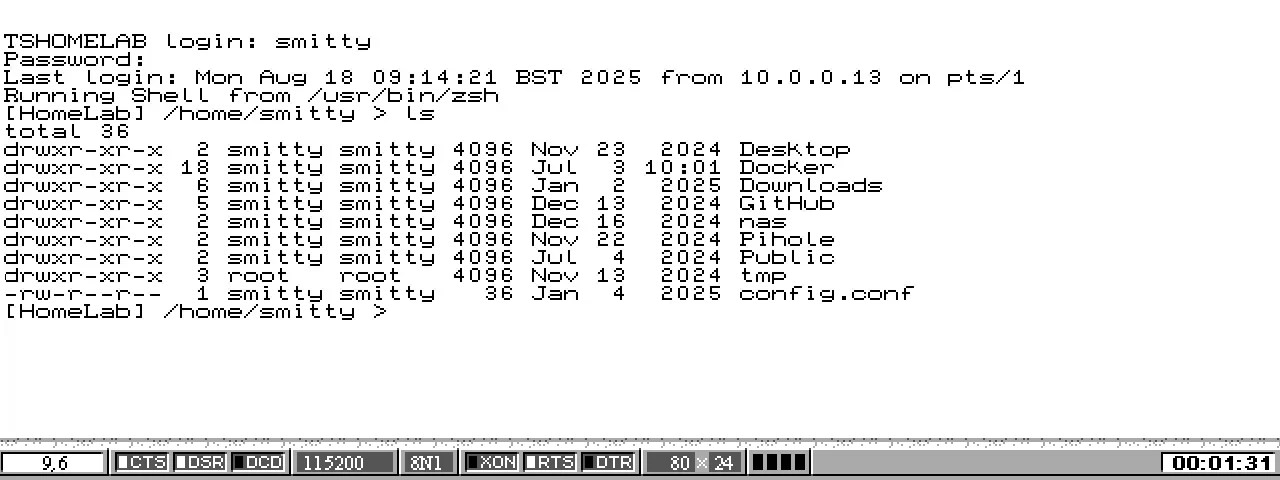
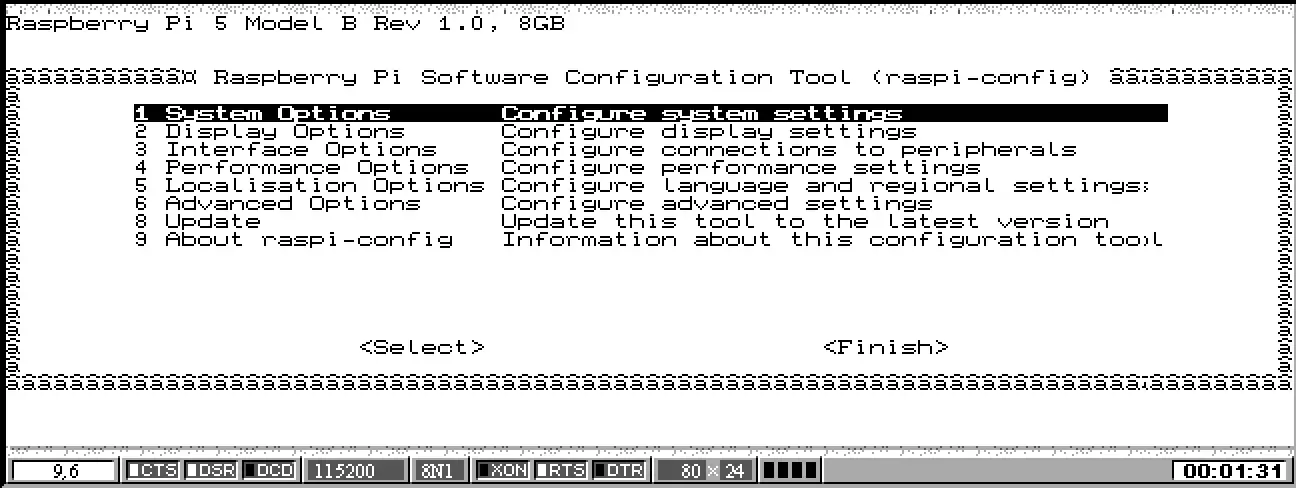
And one particularly good point is that Raspberry Pi OS’ raspi-config now renders correctly when run:
More on using the Psion 5mx in 2025 to come…
Special thanks to Jason Morley’s Reconnect, a macOS-based Psion connectivity application, for getting Psion 5mx screengrabs off the device and into this post.
 smittytone messes with micros