
I have written before about the Psion 5mx, a palmtop computer from the late 1990s, and I have grumbled about its LCD screen. I don’t have a problem with LCD per se — you can’t expect the same screen quality that you get with a modern colour OLED retina display — but in the right light conditions an LCD can be perfectly usable. However, the 5mx screen’s specific level of reflectivity narrows the range of lighting conditions under which it gives you a good, clear view.
What’s odd about this is that the 5mx’s predecessor but one, the 3a, has a really good LCD screen which provides a clear view over a wider range of lighting conditions.
However, the 5mx, unlike the 3a, has a backlight: one of those ‘indiglo’ lights popular on certain digital watches back in the day. It helps, but has an annoying whine when enabled (at least on my machine; other users claim not to have experienced this) and obviously reduces battery life. In fact, if the battery charge falls below a certain point, approximately 40%, the 5mx won’t let you turn on the backlight at all.
However, I now have a fix: a portable reading light.
I can’t claim to have hit on this myself: credit must go to Shane McKee of the Psion Community group on Discord. He tried it first; I just followed. I’m glad I did.
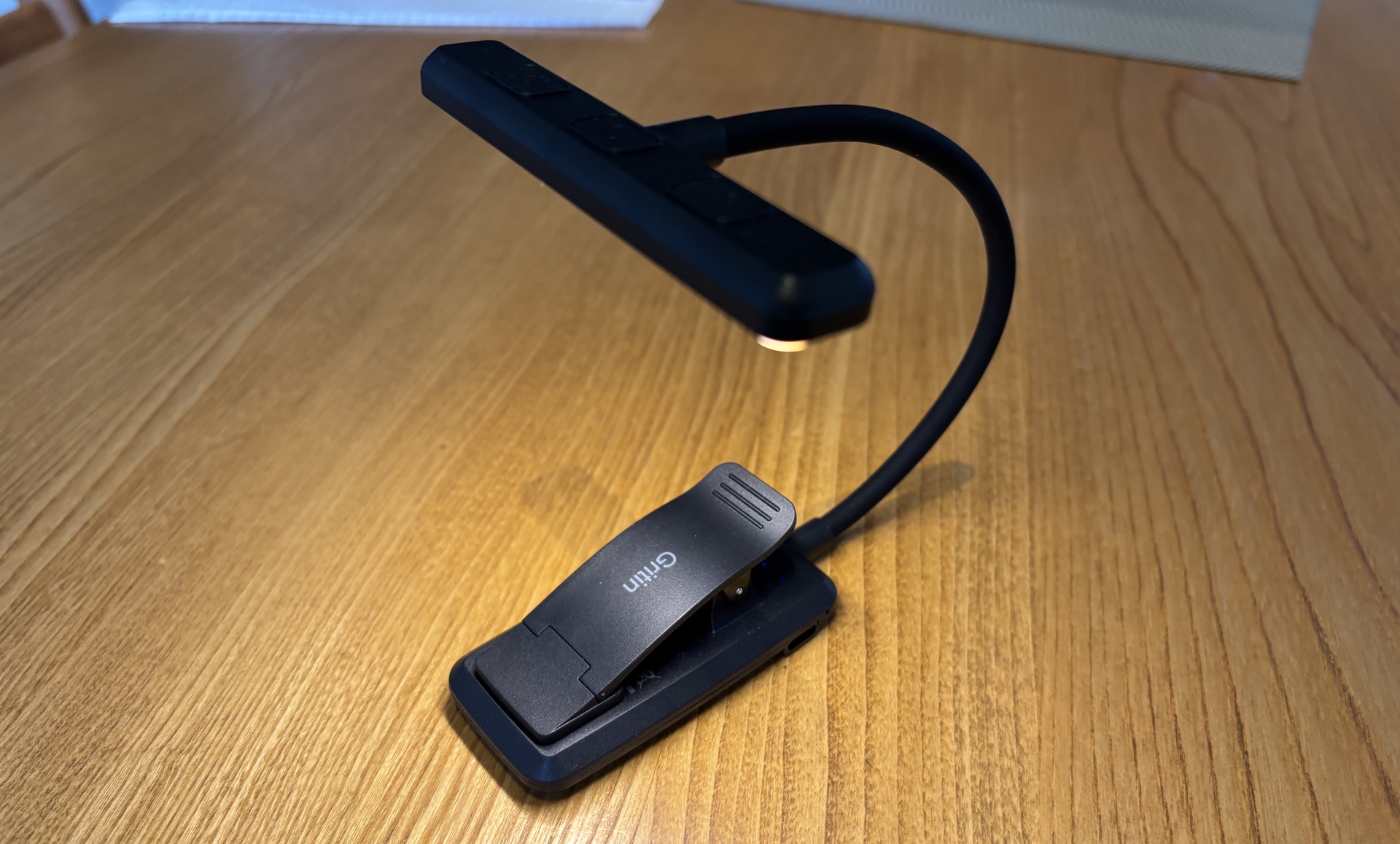
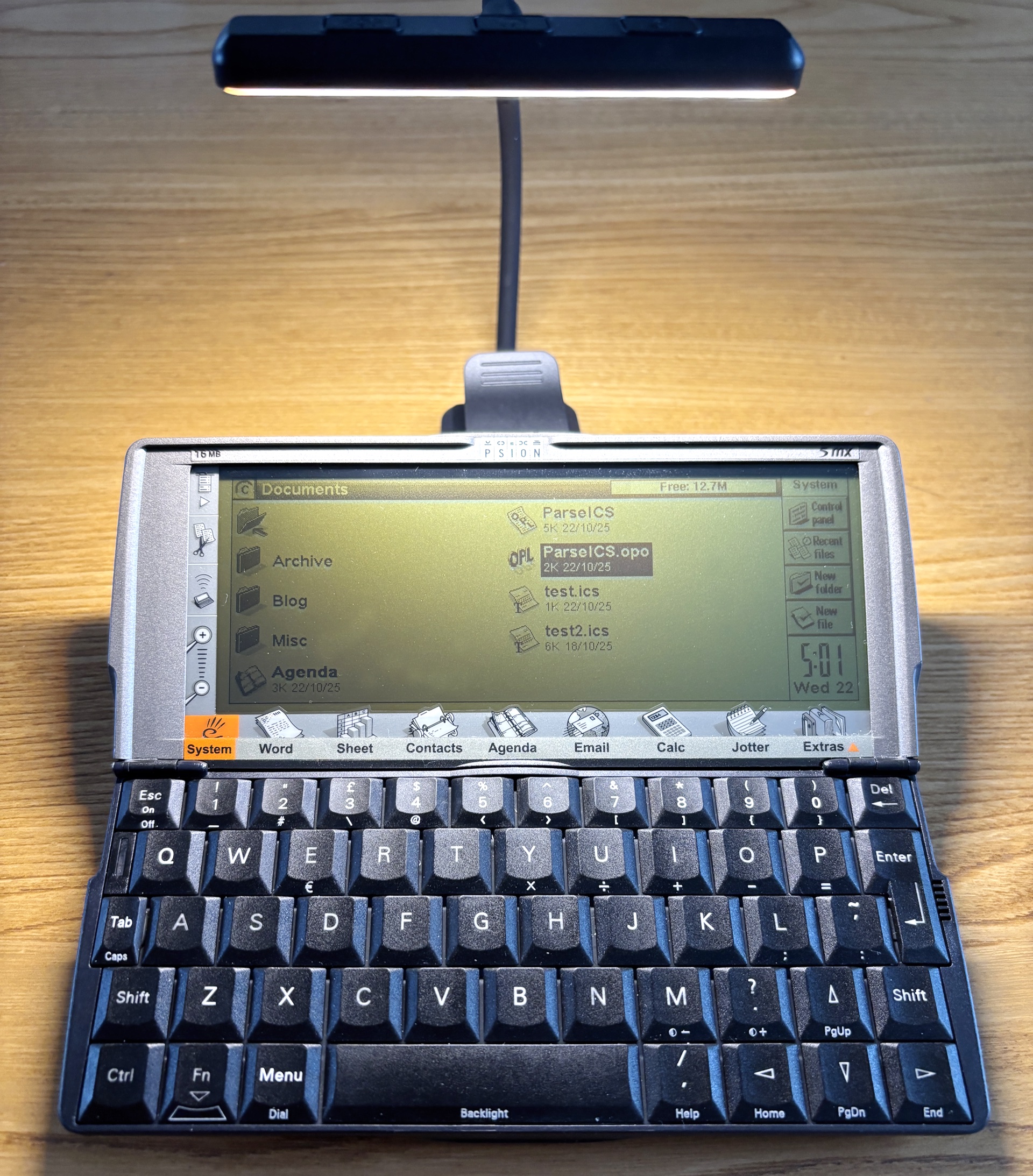
The model I chose is a Gritin G1326, but it’s undoubtedly known by many other names. It costs about eight quid. It has a built in rechargeable battery (USB-C source) but the battery unit, which is designed to clip onto the back of the book you’re reading, has a rubberised base that allows it to stand stably behind the Psion. From there, the bendy arm places the light about 10-12cm above the 5mx screen. It gives light to the display but doesn’t block the screen from your view, and nor does the reflection of the light. You have to move away to be able to see the book-light’s LEDs reflected in the Psion’s screen.
If there’s a flaw, it’s that the light isn’t very diffuse, so you get the best light on the part of the screen at which it’s pointed and less elsewhere, but it’s eminently usable.
You should also note that this is a desk-based option. You can’t really use it when you’re typing into the palmtop standing up or walking about. But desk is good, as that’s typically where I most use the 5mx — I’ve been exploring its OPL coding language recently, to inject downloaded .ICS calendar files into my Agenda diary.

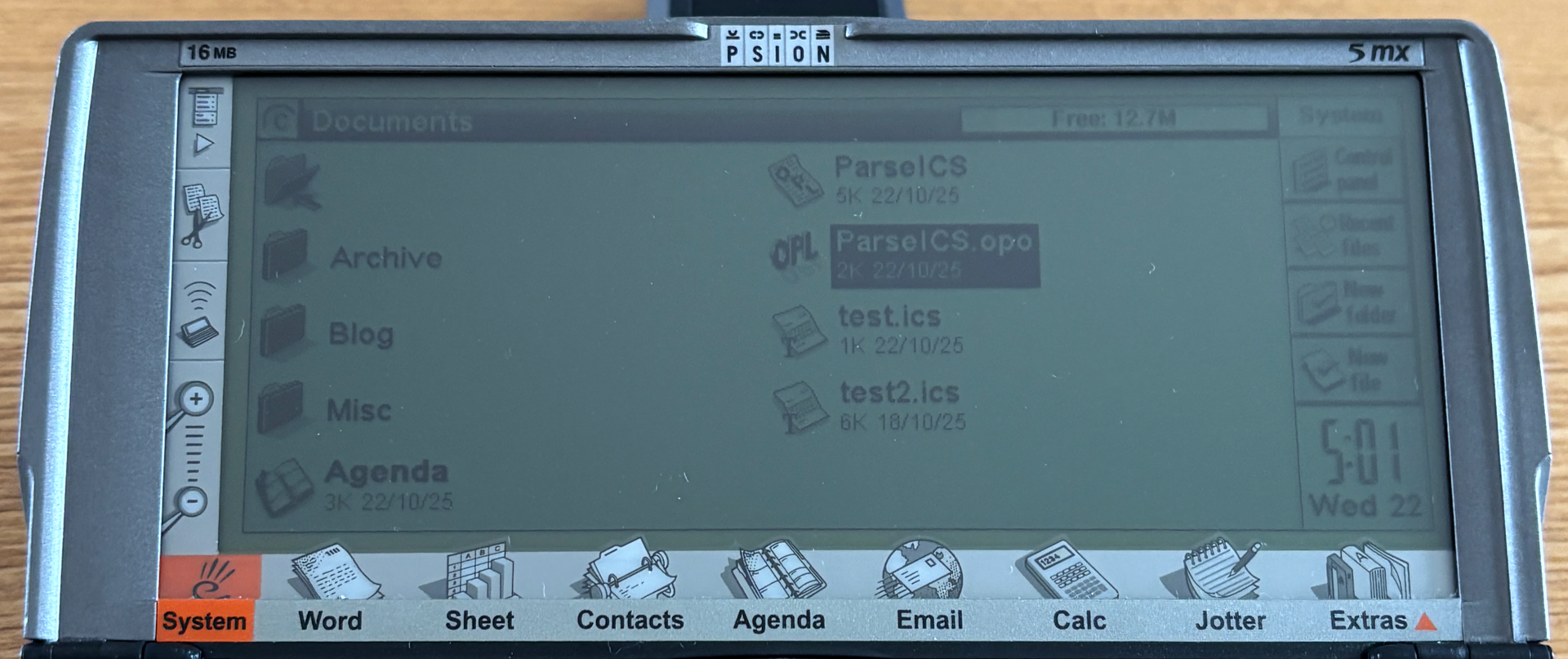
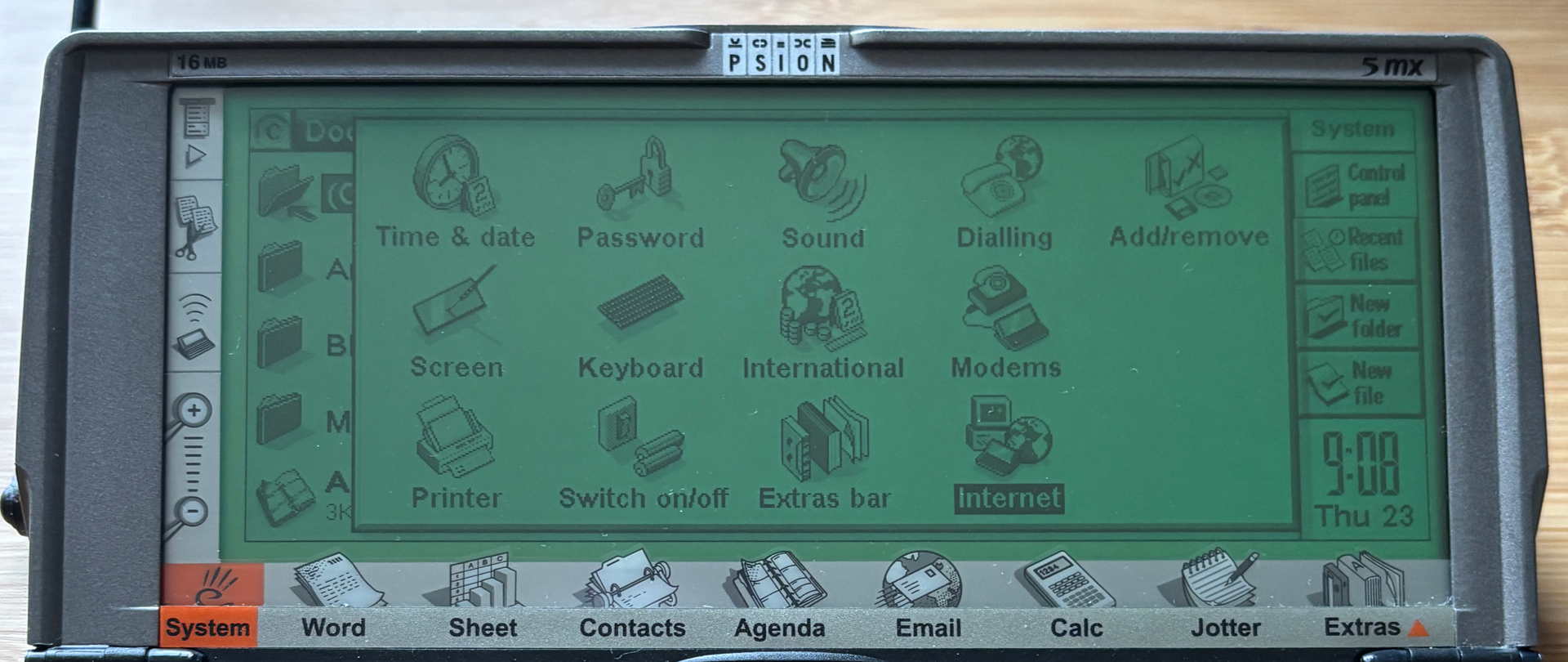
You can see from the pictures above what a difference it makes. In fact, it’s as good as the 5mx’s backlight — and doesn’t whine when it’s on.
The light has an optical temperature control, switch from sharp cool to soft warm, as is common with LED illumination. In practice, it just mixes white and orange LEDs, and you can have all of each and none or the other, or half-and-half. There are four levels of brightness.
The power, brightness and temperature switches are physical, not touch-sensitive. I prefer this — touch-sensitive ones are too keen to treat a tentative press (in order not to knock the light out of position) as multiple presses — but it does mean you have to hold the lamp in place when you press a switch to stop it moving.

There’s a further bonus: the light also works comfortably with my Amstrad NC100, which is also ‘blessed’ with an LCD screen. Again, sitting the light above and behind the NC100’s screen provides good desktop illumination, or a little bit extra if you’re by a window.

Portability is better on the NC100: the light will clip to the top of the machine so you can use them both when the Notepad is sitting on your knee.
All of which means a lot less squinting for my ageing eyes to do. Win.
 smittytone messes with micros