
OK, so it was one of those purchases you can’t help yourself from making. A random, unprompted visit to eBay and suddenly I was £170 down but up one Psion Series 5mx palmtop with all the trimmings. And in very good condition it all is too.

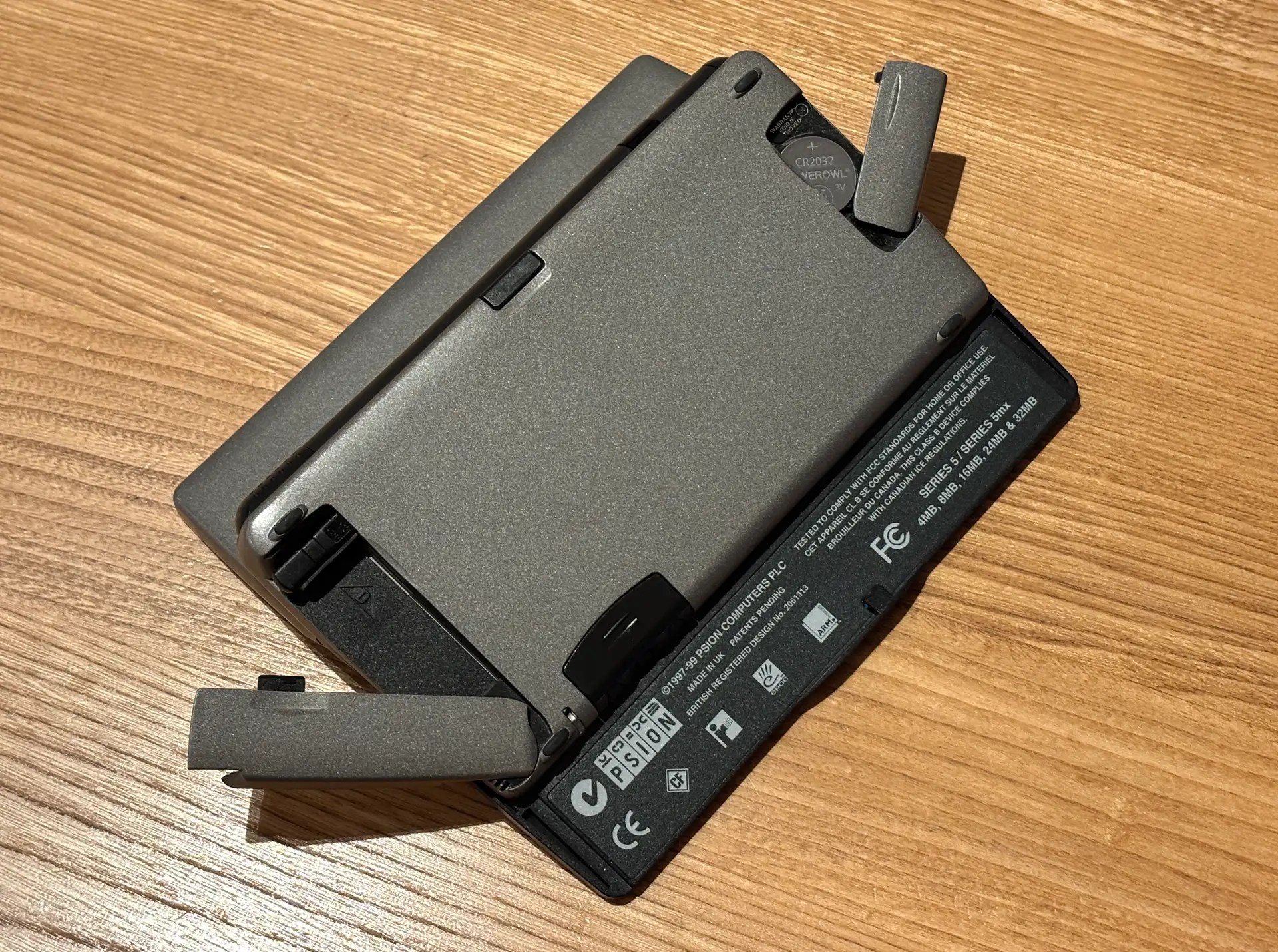
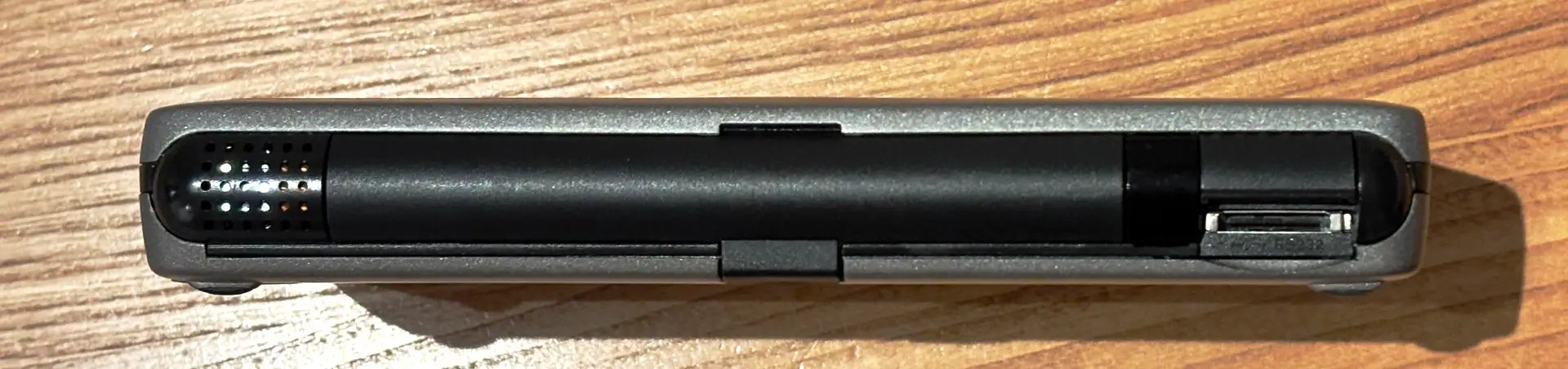
The Series 5 debuted in 1998 as the follow-up to the Series 3 family. I already have a 3a, the same model that I used for time a time back in the day. The 5 was a major upgrade: an ARM processor in place of an x86, more RAM of course, but crucially a backlit, touch-sensitive screen (plus device-dockable stylus) and a deck of larger, less calculator-like keys. In addition, out went the Series 3’s proprietary memory card format and in came a CompactFlash slot (though only one, not two as before). Psion also adopted a new serial comms port that negated the need for the Series 3’s 3Link ‘soap on a rope’ cable, which converted the 3’s proprietary bus to RS232.
At the end of the decade, Psion shipped the 5mx, which I now have here. It’s a speed and RAM bump, basically, running updated system software, which includes an array of productivity and time management apps. These appeared in the 5 as an extended and enhanced version of the suite supplied with the 3 range, in particular with the addition of dial-up Internet connectivity. browser and email apps — optional extras for the 3 family — and a version of Window’s Object Linking and Embedding (OLE) for, say, embedding Sketch drawings or Sheet tables into Word files. It was (and remains) a powerful suite of productivity apps.
So the 5mx was altogether an impressive upgrade to an already sophisticated OS — the Series 5’s EPOC OS was a full 32-bit platform, up from the 16-bit 3 family — and application package, and a big step up in hardware capability too.
Now, as I have written before, I really like the 3a, but it has a couple of flaws, at the top of the list of which is a screen you can’t view in low light conditions. The 5, with its backlight, seemed like the obvious step up as a compact ultra-portable writing device and occasional serial terminal — the two roles I bought the 3a for.
So how do they compare? Nothing in life is ever straightforward, and the 3a versus 5mx head-to-head proved no less so.
Take the backlight. Yes, it works, but… Firstly, its usage is accompanied by an annoying high-pitched whine, but I’m growing accustomed to it. It certainly improves low-light viewing but here’s the thing — and this is part of a broader grumble about the 5mx — the LCD screen is rather shiny, so in certain but common conditions the reflection of my face obscures the text. Always angle yourself, or the device, so the screen is pointing at a blank wall or the ceiling. You want bright light surroundings — in fact, it works very well in bright light — or very low levels so you can use the backlight.
Upping the contrast also helps a little but there’s only so far you can use that.
But, hey, that’s 90s LCDs for you. The thing is, reflectivity is no problem at all on the 3a — it just doesn’t occur.
The 5mx keyboard is a mixed blessing too. It encourages two-hand typing. which ought to be good, and it looks and feels more like a real keyboard, but I’m not convinced my mis-type count is any lower than on the 3a. The latter’s calculator-style keys, styled light on dark, provide clear targets to guide accuracy. The 5mx’s all-dark array has fewer visual cues.
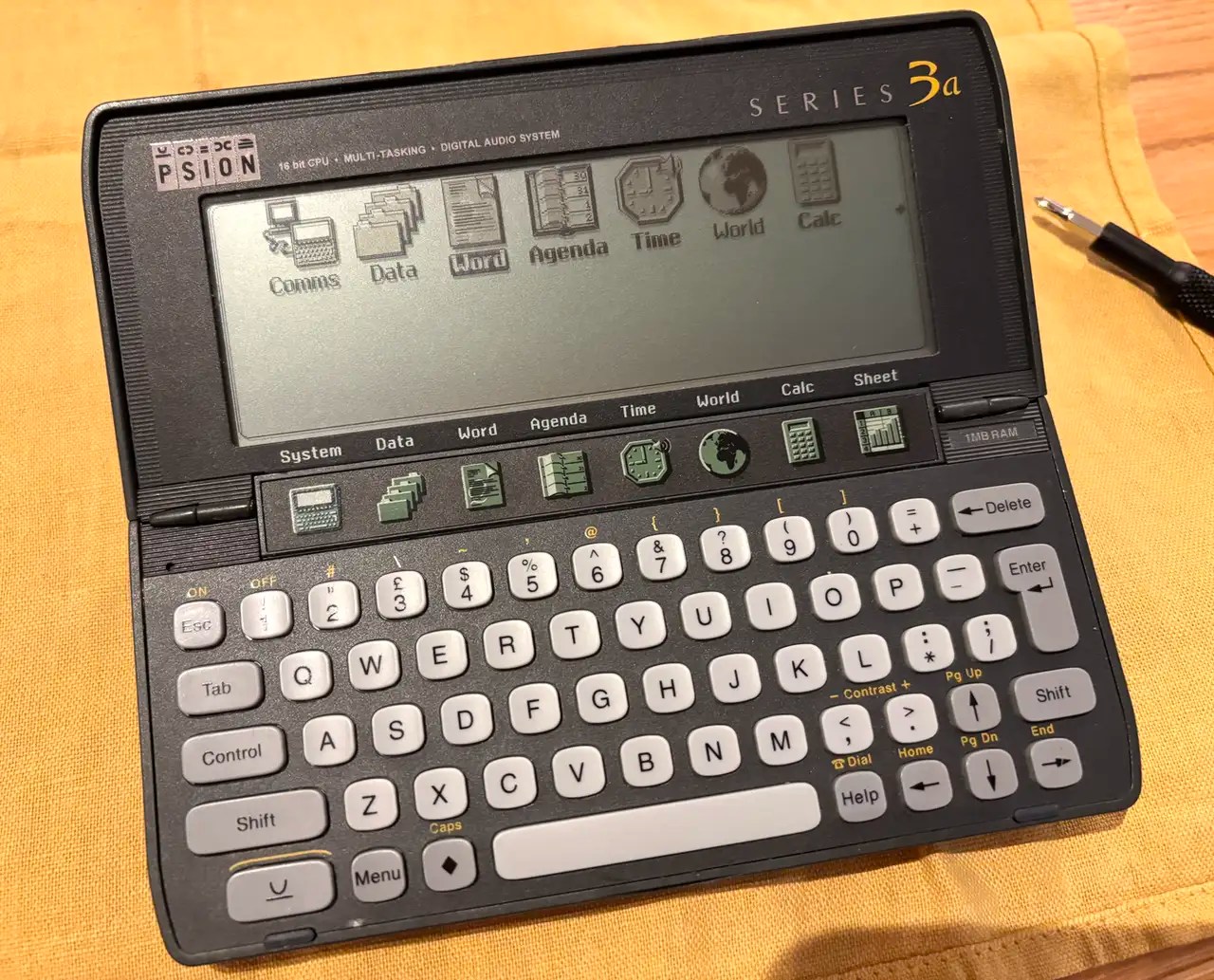
Like the 3a keys, those on the 5mx require determined pressure — a gentle, light-as-a-feather tap of the kind modern keyboards are happy to accept, will not pass muster here. Consequently, I tend to type words with missing letters.
The spacebar is the worst. It has a single switch in the centre, so catching it at either end, as I usually do when typing two-handed, means that many taps go unrecognised by the 5mx. I’m constantly going back and entering missing spaces. Again, that’s not the case with the 3a, though its keyboard is far from perfect. I’ll just have to learn to type more slowly, more deliberately, and over time I’ve found that’s what I’ve started doing.
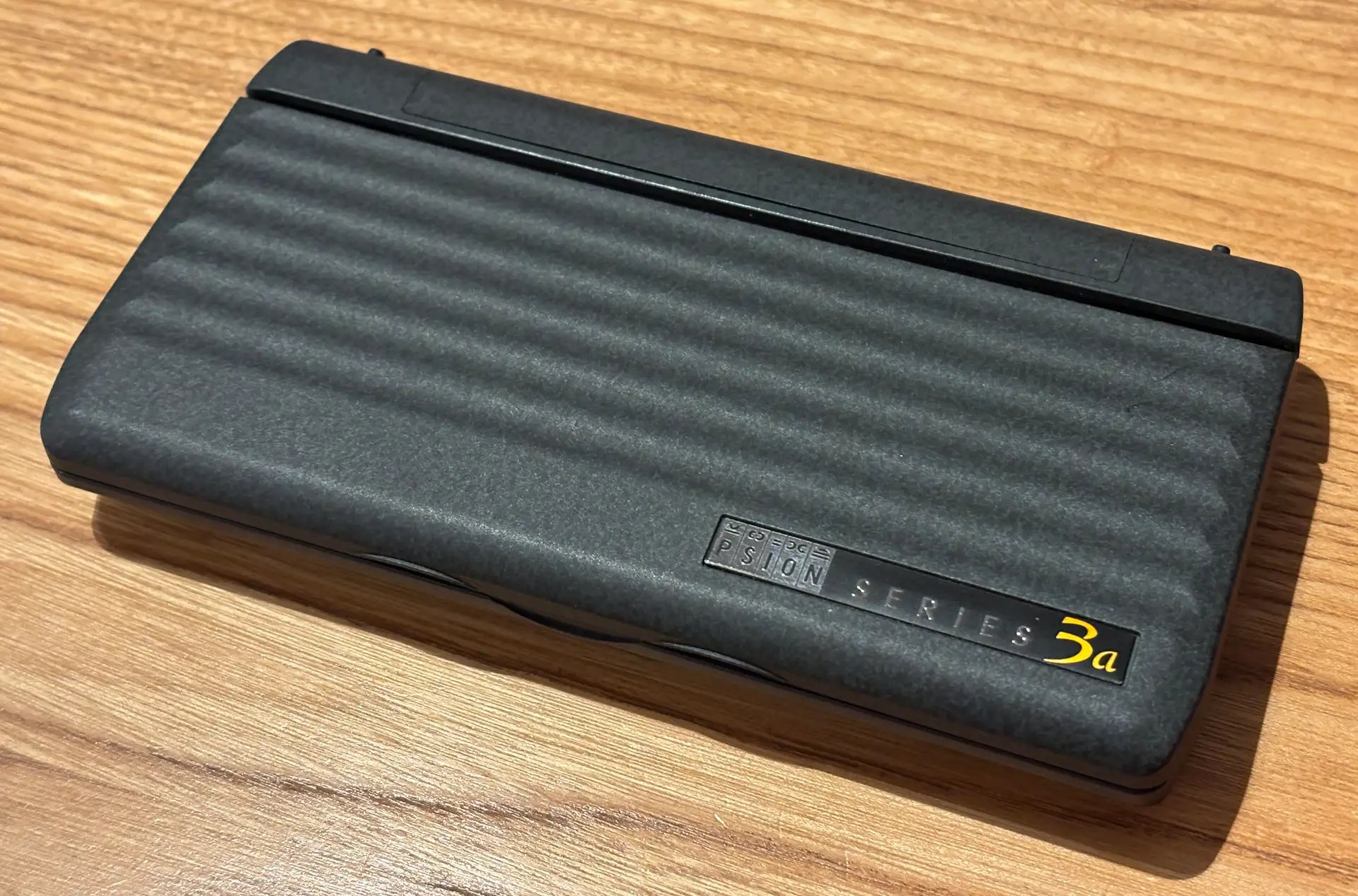
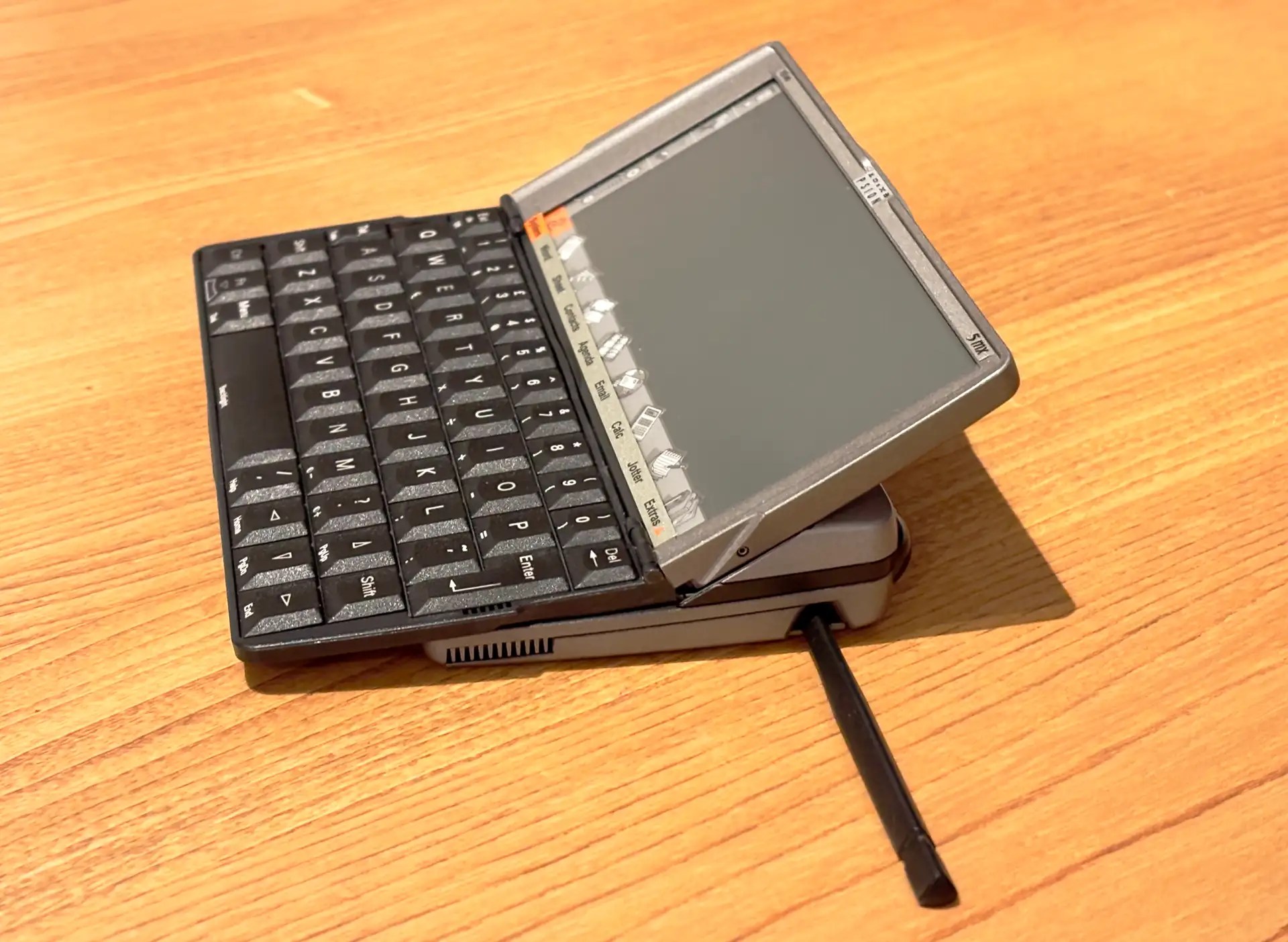
I have to say, the 3a is a darn sight more stylish too. It has a look befitting its executive-oriented personal organiser role: all dark plastic wrapped in a stone-like paint job. The 5mx, by contrast, was clearly pitched as a mobile productivity tool so it’s very business mainstream: black and gunmetal grey plastic, relieved only by a couple of flashes of orange.
Oddly, the LCD is off-centre (see the picture at the top of this post) and although space is made on the left side for touch-sensitive menu, cut, IR transmit and zoom icons, they don’t extend as far to the edge of the casing as the right side of the screen does. Like the app icons below the screen, they’re designed to be stylus rather than finger friendly, but you don’t need to reach for the slim, spring-latched pen too often.
One thing I do prefer on the 5mx: the Extras icon on the screen surround. It pops up a dock for all the apps that didn’t make it onto the silkscreen, including ones you’ve installed yourself, natch. It’s a shame you can’t customise it, but that’s perhaps expecting too much of a device of the era this one’s from.
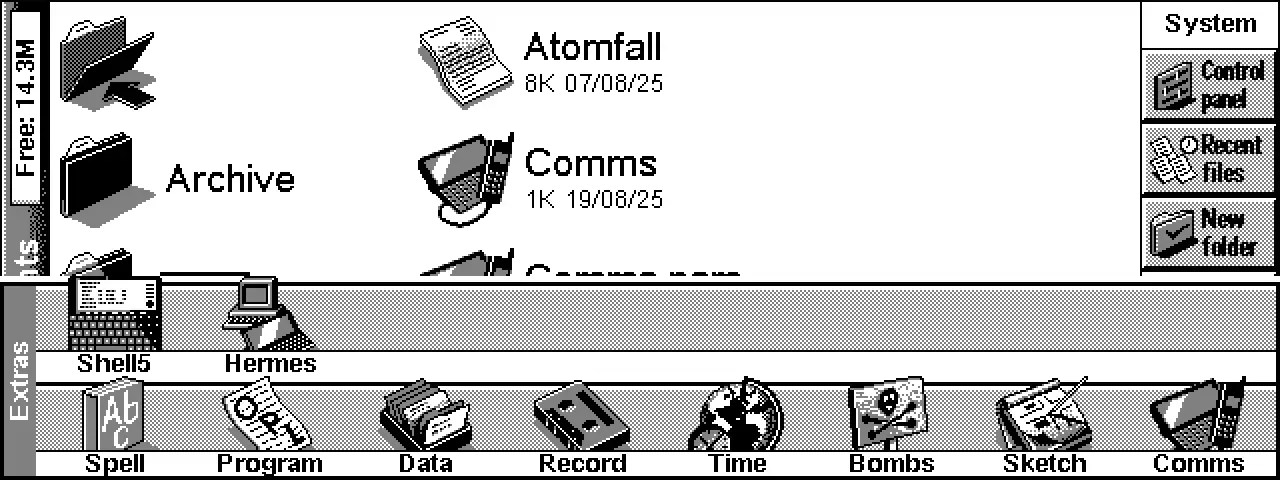
Which is pre-broadband, pre-WiFi, dial-up. The Internet had arrived, and the 5mx has email and a browser. I have tried neither because it’s just too easy to access that stuff on more modern devices. Using old tech is surely an exercise in masochism as much as nostalgia. The truth is there isn’t anything I can’t do more quickly and more efficiently on, say, an iPad Mini or small Android tablet than I can on the 5mx — even a modern on-screen keyboard is a better typing tool than either the 3a or the 5mx, and the screen is way better.
That’s not to say I haven’t been enjoying writing on the 5mx, frustrating as it can be, and will continue to do so, especially after accidentally breaking the display on my Amstrad NC100. But it does require a large degree of unconditional love to do so. Naturally, this post was written on the 5mx.
And it has to be said, painful though this has subsequently turned out to be for some — the net is home to numerous tales of damaged or disconnected screen ribbon cables — the cantilevered motion that pushes the keyboard forward as the display pivots up is a joy to behold. It’s just a shame that Psion’s hardware engineers could never hit upon a more resilient hinge mechanism. And it does make repairing the thing a right royal pain in the arse.
Yes, Psion’s kit was dead impressive back in the day, but it has had its time. Rather than bin it, though, or stick it in a museum behind a glass case, it can be used for some tasks today if you have the patience to put up with the limitations it had back in the day, and which have since been addressed by more recent tech. Enjoy the things it does really well, and which we have largely forgotten about, like, say, really long (30 days and counting) battery lives and really good software that’s production-ready on release.
So, yes, I’m going to continue to be a tech masochist, and I’ll carry on using the 5mx, I think, for writing and for occasional serial terminal use with headless servers.
 smittytone messes with micros